
Using your system
What to check on your home security equipment after a power cut
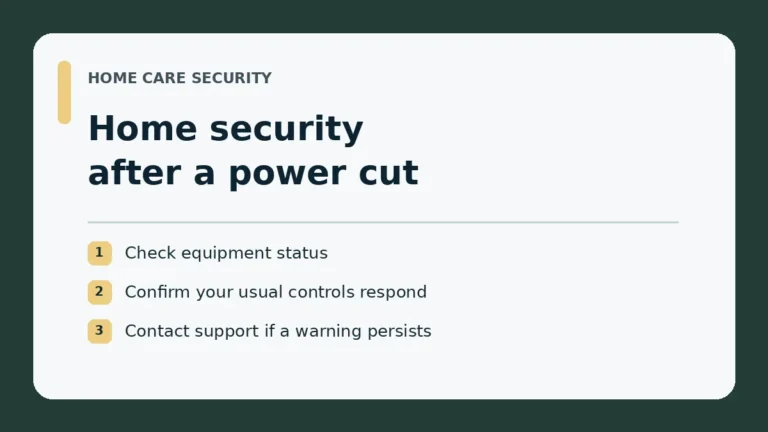
After power returns, check equipment status, confirm your usual controls respond and note any gaps or warnings before contacting support.
Read article →Clear guides for older people and the families who care about them.
After power returns, check equipment status, confirm your usual controls respond and note any gaps or warnings before contacting support.
Read article →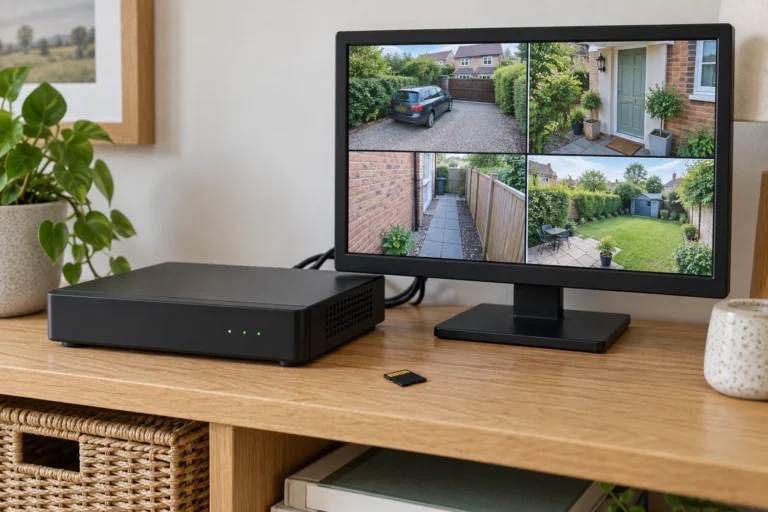
Match authorised camera labels to familiar views using a private list and an agreed ordinary test.
Read article →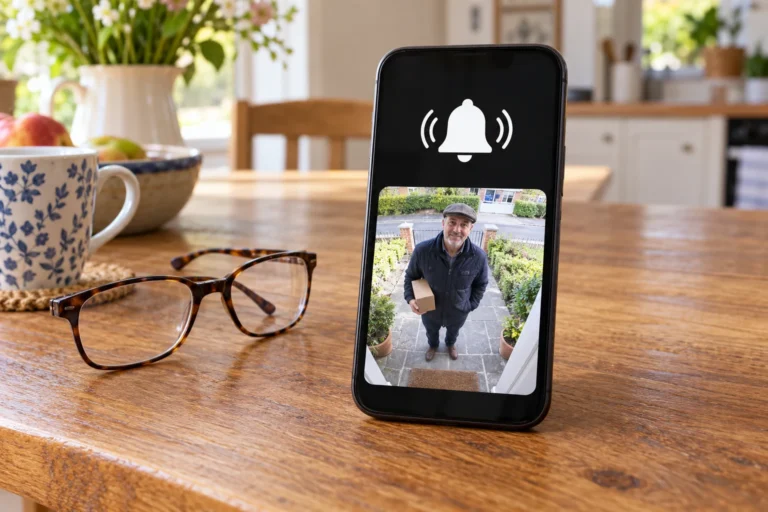
Keep event time, displayed time, alert arrival and time noticed separate in a short support log.
Read article →Use a fictional timeline and an agreed test to ask what your own system saves around an event.
Read article →
Prepare an agreed remote support appointment with a clear task, access boundaries and a record of how the session ends.
Read article →
A calm checklist for verifying an unexpected camera support message without sharing passwords, codes or remote access.
Read article →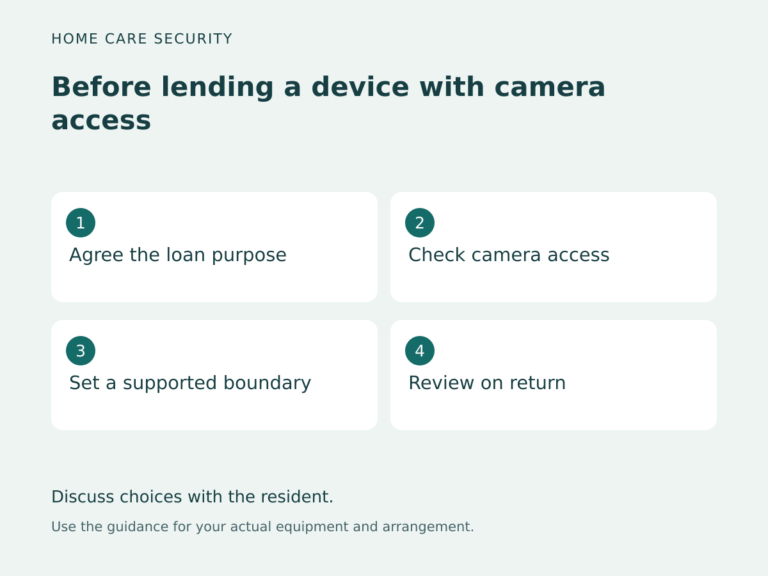
A practical checklist for lending a phone or tablet without unintentionally sharing home camera views. Agree the loan, check access and review it on return.
Read article →
Keep a monthly security review manageable by checking one useful task, current preferences and any unresolved questions.
Read article →
Gather device details, the exact message and a short symptom history before asking for camera support.
Read article →Prepare a simple response to camera connection interruptions, with the right support details and realistic expectations.
Read article →