A monthly home security checklist is most useful when you can finish it and understand what happens next. You do not need a lengthy inspection or a tour through every app setting. Start with the resident’s experience, try one relevant task and agree one useful action.
Choose a convenient moment rather than turning the review into an unexpected assessment. Ask whether the person would like help, company or simply a reminder. They can decide that an arrangement still suits them, that something needs explaining or that a change made earlier is no longer wanted.
1. Ask about the month before opening the app
Begin with ordinary questions: “What has been useful?” and “Has anything been irritating or difficult?” Give the resident time to answer without immediately offering a fix. A small frustration, such as not knowing which screen to return to, may be more relevant than a feature nobody uses.
Write their main point in their own words. Avoid replacing it with somebody else’s priority. If they say too many notifications disturb them, the first task is to understand which ones and when, rather than deciding they need more devices or more family oversight.
Include what is working well. Recording “doorbell sound suits me” can prevent a later helper changing it unnecessarily. A review should preserve useful choices as well as identify problems.
2. Test one feature you actually use
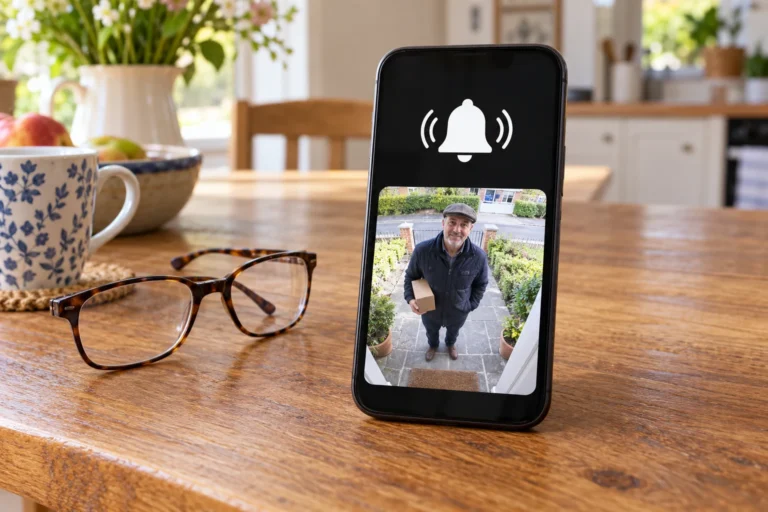
Choose a single, harmless test with the resident. You might ring the doorbell, open an agreed camera view or locate a recent test recording, depending on the installed equipment. Explain the test before starting so a notification does not arrive as a surprise.
Let the resident carry out the familiar steps if they want to. Keep any assistance focused on the part they ask about. Our guide to getting comfortable with the security app can help you practise without rushing.
Record the result in plain language. “Saw the caller and ended the call” is useful. “Everything fine” is less precise, especially if only one function was checked. If the result was unexpected, describe what happened and leave technical diagnosis to appropriate guidance.
One successful test cannot establish how the system will perform in every circumstance. It simply gives you a clear observation about the chosen task today.
3. Check the household’s reference information
Look at the contact details and instructions you keep for everyday use. Can the resident find them? Are they still for the right app and equipment? A software change may make an old screenshot confusing even when the underlying task remains available.
Confirm whether any agreed family involvement has changed. Has a temporary arrangement ended? Does each helper still need the same access? Discuss changes with the resident before altering anything, and use the supported instructions for that system.
- Useful contact details are current and available offline.
- Everyday instructions match what the resident sees.
- Shared access still has an agreed purpose.
- Any unfinished question from last month has a clear next step.
Keep passwords and account recovery information out of shared review notes. You can record that private details are stored securely without copying them onto the checklist.
4. Choose one next step and an owner
Pick the action that would make the most useful difference now. It could be asking for another demonstration, clarifying a support term or updating a printed prompt. If the next step needs a professional, describe the question to ask rather than improvising a repair.
Agree who will do it and when you will check the result. “Sam will ask which sound options this model supports by Friday” is easier to follow than “sort doorbell”. Do not give someone a task without checking that they are willing and available.
Choose a realistic review date and stop there. If a separate urgent safety issue appears, address it through the appropriate route rather than leaving it for next month’s list.
For questions about a task your equipment should support, call Home Care Security on 0333 666 1983. Bring the one observation or question you would most like explained.