
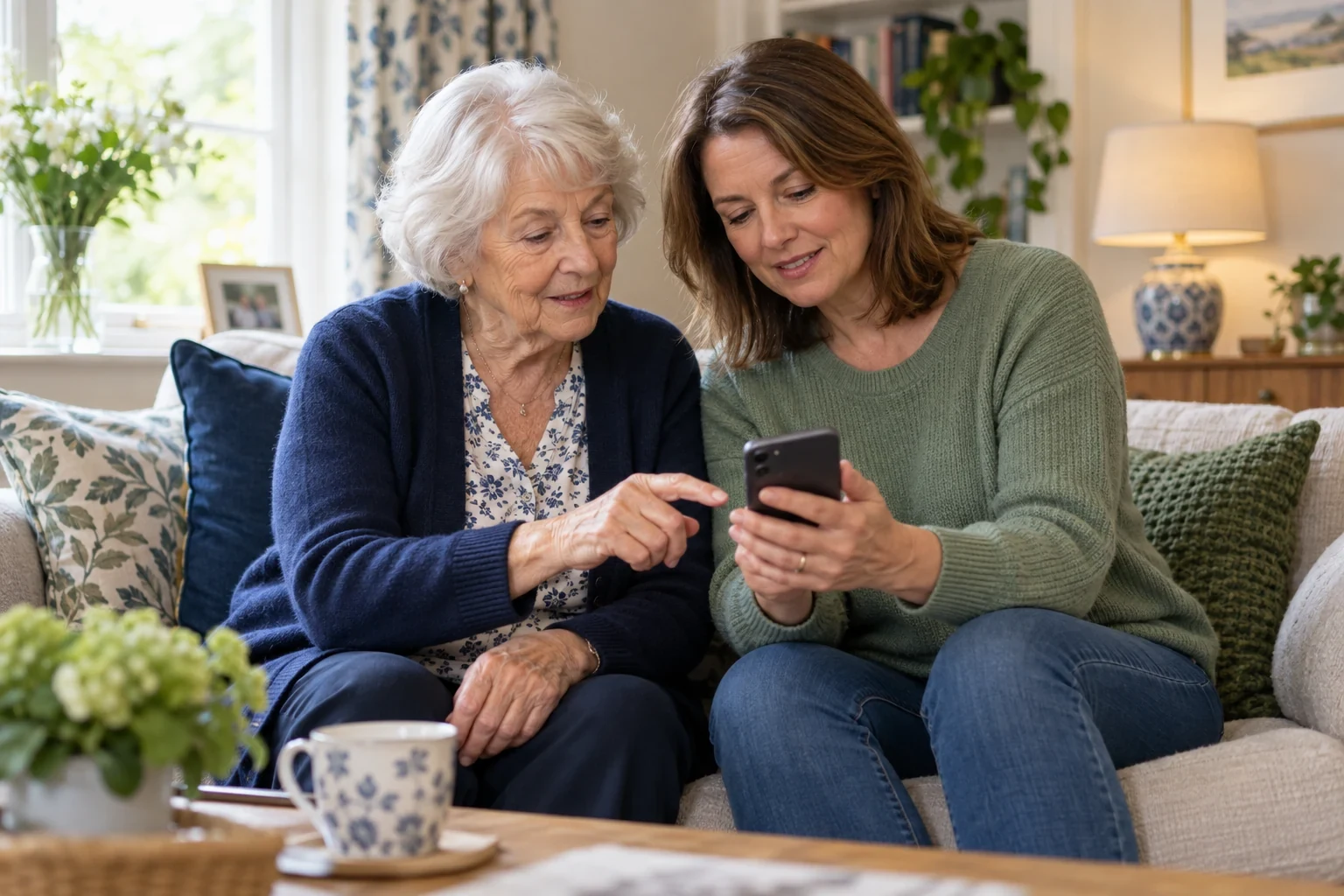
Start with your handover
Follow the guidance supplied for your installation. Features and screens vary by equipment and app version.
Use your own account
Keep your login private and use supported sharing options for authorised family members.
- Choose a strong, unique password.
- Do not share your login.
Check who is at the door
Practise viewing a camera with someone you know at the entrance.
- Follow the viewing steps from your handover.
- Two-way audio requires compatible equipment.
Understand your alerts
Agree which notifications are useful and who should receive them.
- Check phone permissions and connectivity.
- Alerts do not guarantee an immediate response.
Look back at an event
Ask during handover how to find recordings and what storage has been configured.
- Recording availability depends on your equipment and setup.
Agree family access
The resident chooses who can view supported cameras. Review permissions when circumstances change.
- Use the supported sharing options from your handover.
- Review permissions when circumstances change.