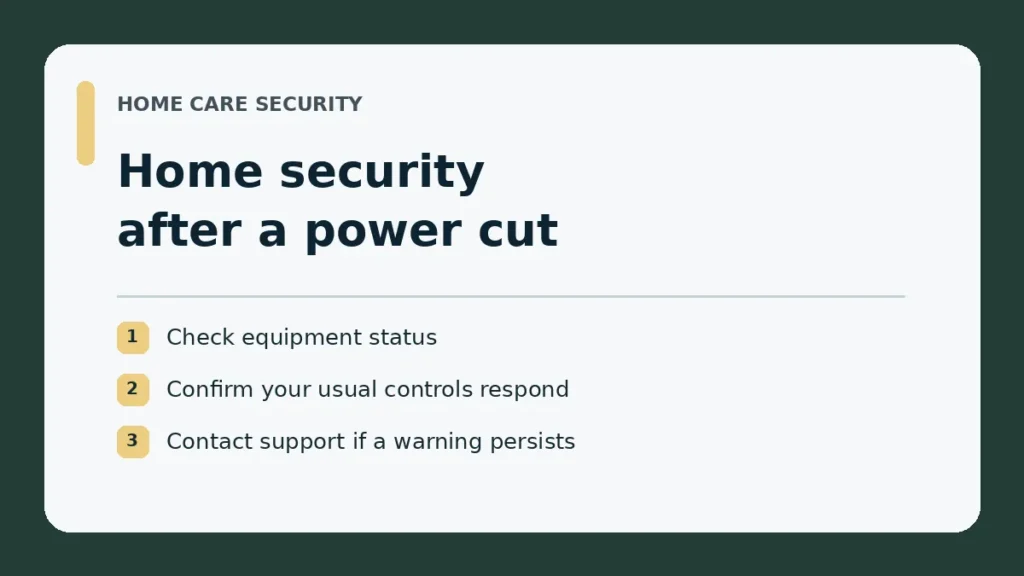
After a power cut, check the parts of your home security system you normally use before assuming service has returned. The app coming back online tells you the app is responding. It does not tell you whether each device is working or what happened while the power was off.
Look for warnings before changing anything
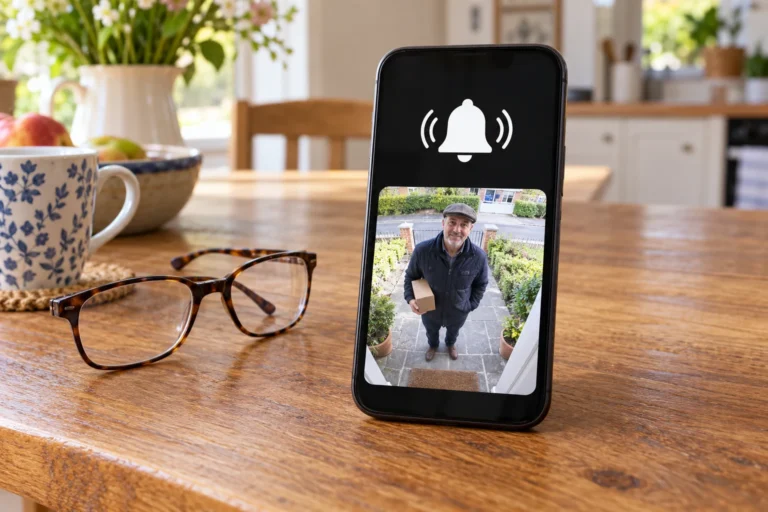
Once the power is back, check the normal control panel or app you already use. Note any offline alert or warning and the time you saw it. Some equipment displays more than one status, so distinguish the app connection from the status of the individual equipment.
Use the manufacturer’s instructions or the support contact already agreed for your system. Don’t open powered equipment, alter wiring or reset a system to its factory settings to see whether a warning clears.
Check the functions your household relies on
- Confirm you can use the usual controls on your own device.
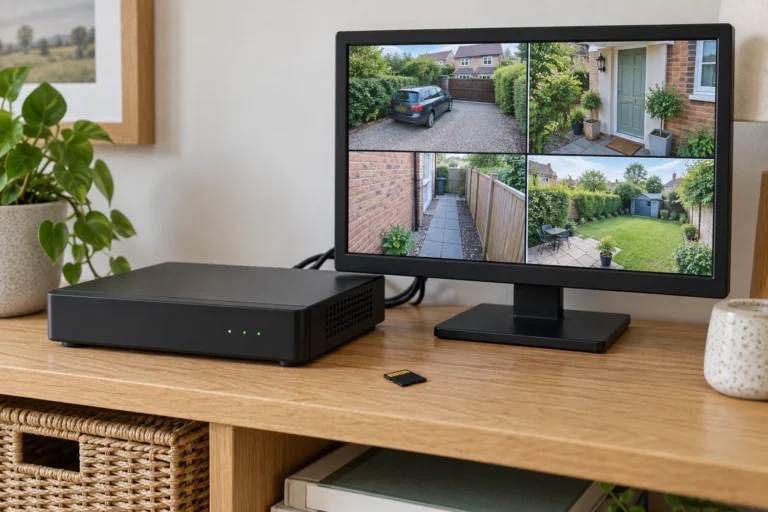
- If you normally use a live view, check that the intended camera loads and note whether it shows a current image.
- If you normally review recordings, note whether you see expected events or a gap. A gap alone does not show why a clip is missing.
- If monitoring is part of your arrangement, verify its status through your established provider before assuming it is active. Don’t trigger a monitored alarm to test it without agreed instructions.
If a feature still isn’t responding, tell others in the household who rely on it so they can adjust their routine until you receive advice. If you support someone who lives alone, agree what they should do if they cannot check the system themselves.
Useful details for the support call
Have the time power returned, any warning text and a note of what works and what doesn’t. Use an established contact method and don’t post passwords, access codes or footage in a public message. If a problem persists, our guide to equipment health checks explains what to ask a provider to assess.