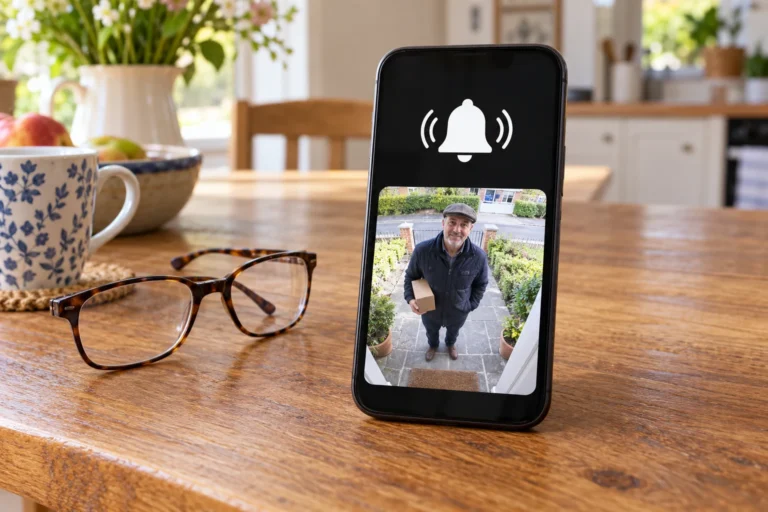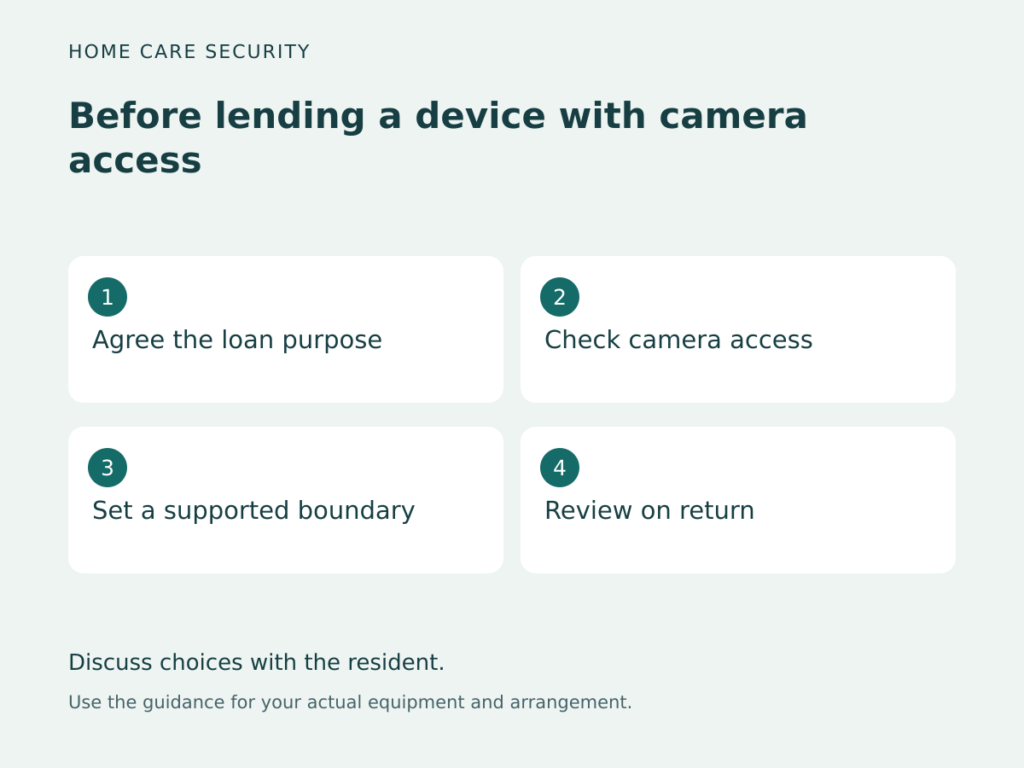
Lending a device with camera access deserves a quick check before it leaves your hands. A phone or tablet borrowed for a video call or a journey may also hold access to home camera views. Agree what the borrower needs without assuming that camera access comes with the device.
This checklist covers a temporary loan and the return. It is not an instruction to reset equipment, transfer device ownership or share the resident's main login. Use the supported controls for the actual phone, tablet and camera service.
Start with the purpose of the loan
Ask what the other person needs the device for, how long they expect to keep it and whether it will pass to anyone else. A simple conversation may reveal that a different device would be easier. There is no need to give access to private home views just because somebody needs a larger screen.
If the device is used to view another person's home, involve that resident before the loan. The person holding the tablet may not be the only person whose privacy is affected. Our guide to agreed family camera access explains how purpose and permission fit together.
Check camera access before lending the device
Make a short list of the camera-related information on the device. This may include an app session, notifications, saved screenshots or downloaded clips. Do not assume all of these exist; check the arrangement you actually use.
Ask what can be protected or removed through the supported process before the loan. Simply hiding an app icon does not establish that access has ended. Deleting an app also should not be treated as proof about account sessions or copies stored elsewhere without checking the service's instructions.
- Which camera account is signed in?
- Can the device open an agreed view without a fresh sign-in?
- Could notifications reveal information while somebody else uses it?
- Are any private images or clips stored outside the camera app?
- What supported preparation and return checks are recommended?
Keep the list private and avoid copying passwords or verification codes into it. If you cannot answer a question, ask before the handover rather than experimenting with resets.
Choose a supported boundary
Discuss whether a supported user separation, sign-out process or another arrangement suits the loan. Available options vary. Ask how the proposed action affects the resident's normal viewing and whether any other authorised person will be affected.
For example, a relative may lend a tablet to a neighbour for an online appointment. The neighbour needs the appointment service, not the relative's parents' camera views. A useful preparation question is: “How can we make this loan without leaving those views accessible, and how do we check afterwards?” The answer must fit the equipment, not a generic online tip.
If there is no clear, acceptable way to separate access, choose a different device or postpone the loan. Avoid using the account owner's password as a shortcut. Our app guidance can help frame the support conversation. For a tablet that stays in regular household use, see our shared tablet camera privacy guide.
Check what a guest or visitor setting actually does
Similar names can describe very different controls. Google’s Android guidance describes separate user and guest profiles, but also explains that some devices cannot add users. A feature shown in somebody else’s instructions may not exist on your phone.
A camera app’s visitor mode is a separate matter. For example, the published Hik-Connect iOS manual describes Visitor Mode for managing cameras without registration and warns that this mode is not password-protected. Do not assume a label such as “visitor” makes a camera app suitable for a borrower. Check the guidance for your installed version and ask for a demonstration of the exact arrangement.
Before lending a device with camera access, ask someone you trust to help check what remains available under the proposed setup. Use an agreed, harmless test rather than opening private recordings. If the result is unclear, use another device.
Explain the agreed limits plainly
Tell the borrower which tasks are agreed and what to do if an unexpected notification or camera screen appears. They should not need to explore account settings to complete the intended task. Ask them not to lend the device onwards without discussing it with you.
A short note might say: “Borrowed for the appointment on Tuesday; return afterwards; please contact me if anything unexpected appears.” It does not need to reveal camera locations, household routines or the resident's personal circumstances.
Do not rely on this note as a technical privacy control. It records the agreement; the device preparation must still be suitable.
Review the device when it returns
Check whether the device is back in the expected condition and whether the borrower reports any problem. Follow the agreed supported process for restoring the resident's normal access, if it was changed. Test an ordinary function with their agreement.
Keep the checks specific. Can the intended person open the correct view? Are the expected notifications working in a simple test? Has any temporary arrangement ended? A successful test does not prove that no other access exists; ask support how to review that if you have a concern.
Write down unresolved observations rather than guessing at a cause. If the device is not returned, or you believe access may have been misused, use the phone or tablet provider's official lost-device guidance and the camera service's verified support route. Do not try to access somebody else's device or account in response.
A five-line loan checklist
- Resident and device owner agree the loan and its purpose.
- Camera access, notifications and saved material have been considered.
- The supported privacy boundary is understood and checked.
- The borrower knows the return arrangement and who to contact.
- The device and any temporary access are reviewed on return.
Ask Home Care Security about the relevant support options before lending a viewing device. Include its model, app name and the intended loan, without sending passwords, codes or camera footage.
For general security advice, the National Cyber Security Centre’s camera guidance explains the importance of secure passwords, updates and instructions for the actual model. Avoid making wider camera or network changes simply to arrange a short loan.
Reviewed 9 November 2026. This is a loan-planning checklist, not model-specific setup instructions. Confirm the controls for your phone, tablet, camera service and installed app version before changing access.