A plan for camera connection or power interruptions can be very simple: know what your particular equipment may stop doing, keep an ordinary doorstep routine available and agree how people will contact one another. You do not need to understand every technical connection to ask useful questions.
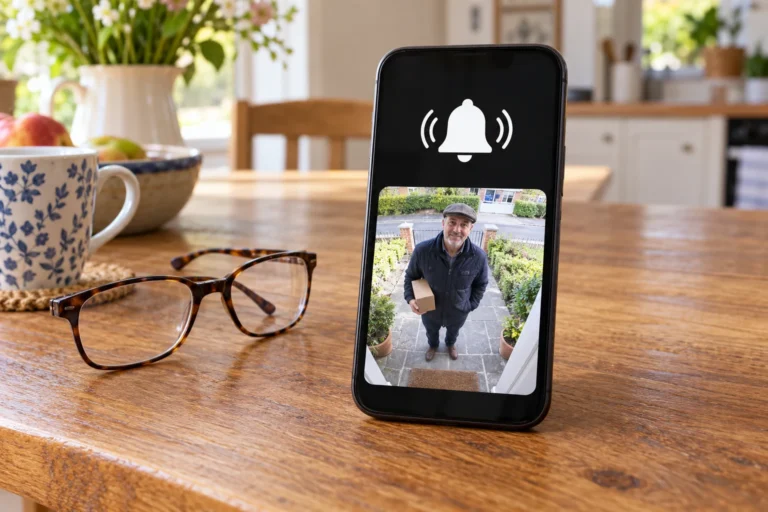
An unavailable app picture can have several causes. It does not tell you, by itself, whether local recording, a doorbell chime or another function is still working. Write down what has been confirmed for your installation and leave anything unverified as a question for the installer.
1. Ask about two different interruptions
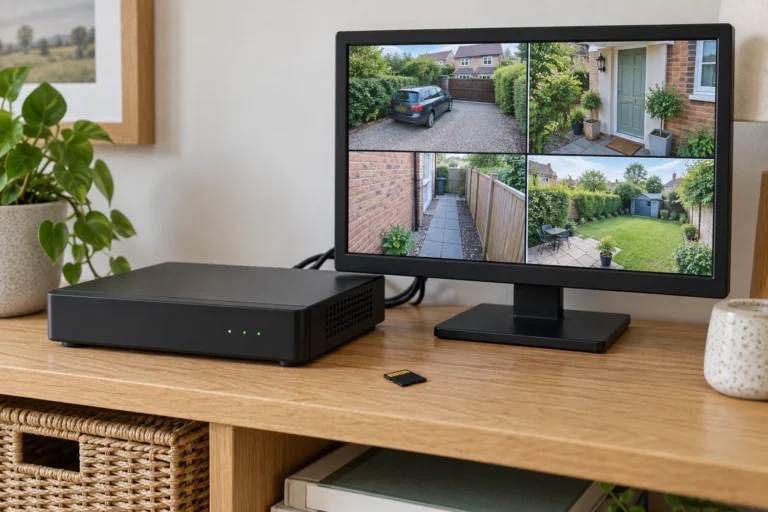
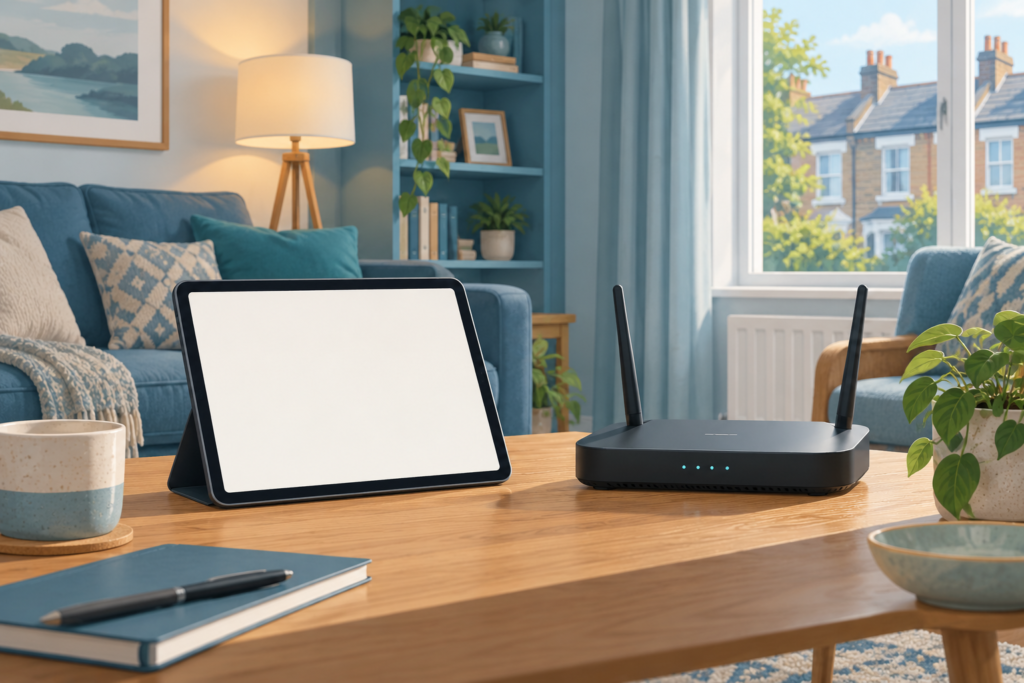
Discuss an internet interruption and a mains power interruption separately. Ask what happens to the camera, any recorder, indoor equipment and the app in each situation. Equipment with different power and connection arrangements may behave differently, even within the same home.
For each function you use, request a plain answer: available, unavailable or dependent on a stated condition. Include local viewing, remote viewing, recording, doorbell sound and notifications only where those features form part of the system.
Do not test resilience by unplugging equipment or altering its supply without appropriate advice. Ask about any proposed backup arrangement in writing, including its limitations and maintenance needs. You can use the package information as a starting point, but the answer must fit your actual installation.
2. Agree a familiar way to handle callers
Ask the resident what they would normally do if the app could not be opened. A fallback should use an arrangement they already understand. They may choose to leave the door closed, speak through it where practical or arrange another time for an expected visitor.
Have a short phrase ready: “I can’t check that right now. Please contact me to arrange another time.” There is no obligation to open the door because technology is unavailable. If somebody claims an urgent official purpose, verify it independently rather than accepting a contact number supplied at the doorstep.
Keep the fallback realistic for the person and the home. Do not introduce improvised electrical work, unfamiliar locks or a complicated chain of app checks in the middle of an interruption.
3. Keep contact details available offline
Put agreed contact numbers on a paper card somewhere the resident can find. Include the installer or relevant equipment provider and the trusted person, if any, who has agreed to help. Keep sign-in passwords and access codes off the card.
Discuss how family members will communicate if the usual connection is unavailable. A mobile call may be an option where service is available, but do not assume every phone or home telephone continues working through a power cut. Check the communications equipment separately with its provider.
Agree expectations in direct language: “If remote viewing fails, I will try calling you.” That arrangement does not promise immediate contact. Camera access is not a staffed monitoring service and should not carry the household’s emergency plan.
4. Check fresh activity when service returns
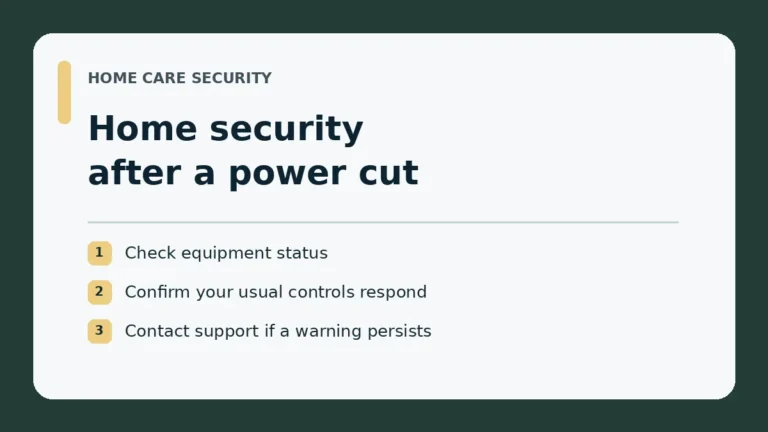
Once service is restored, look at the system’s reported status and try one harmless, agreed event. Check the functions you normally use rather than assuming that seeing a picture confirms everything else. A supported notification, local recording and remote view may need separate observations.
Do not assume events during the interruption were recorded or that missing alerts will arrive later. Ask how to establish whether recordings exist on your particular system. Keep a short note of the interruption and any continuing problem for the next support conversation.
If access remains unavailable, our guide to simple remote-viewing checks can help organise what you observe. The NCSC recommends consulting the manufacturer’s guidance when a smart device is not working properly.
Ask how your system behaves during interruptions and agree a fallback that suits the household. Call Home Care Security on 0333 666 1983 or use the contact page to discuss your equipment.