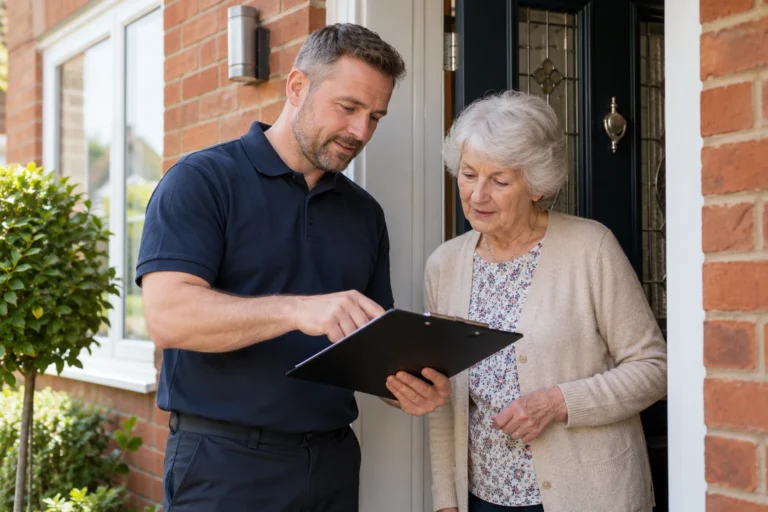
An easy-to-use video doorbell is one that feels comfortable to the person using it. A demonstration gives you a chance to find that out before choosing equipment. Ask to try a few everyday tasks yourself, with enough time to pause, repeat a step and say what does not suit you.
Take your usual glasses or other everyday aids if you use them. A relative can come along if you want, but the person who will answer the doorbell should lead the practice. Ask whether the demonstration uses the exact model and viewing device in the proposal; a different screen may give a misleading impression.
1. Practise a complete doorstep conversation
Start from the screen you would normally see when the equipment is idle. Ask someone to act as a visitor and press the bell. Notice what happens first, then try answering, speaking if the proposed system supports it, ending the call and returning to the starting screen.
Try a second time without the demonstrator pointing to each button. This is a way to check the explanation, not a memory test. Ask them to slow down or show just one task again if that helps.
- How will I know somebody has rung?
- Which control lets me see or speak to the visitor?
- How do I end the conversation?
- What happens if I choose not to answer?
You can decline a call without explaining why. A demonstration should include that ordinary choice as well as answering successfully.
2. Check the picture, controls and sound
Look at the visitor’s image from a comfortable distance. Can you find the controls without holding the screen awkwardly? Ask what the labels mean and whether any supported display or sound adjustments would suit your preferences. Do not assume every device has larger text, adjustable tones or the same volume range.
For a system with two-way audio, try speaking at your normal pace. Check whether both people can follow the conversation and ask how the microphone behaves. The sound in a quiet demonstration room may differ from the entrance at home, so note what still needs checking at the property.
Our doorbell and outdoor camera guide explains the wider equipment questions. This practice session is about the controls you will actually use.
3. Try it from your usual position
If the demonstration takes place at home, try the viewing device from the chair or position you would normally use. Elsewhere, describe that position to the installer. Think about where a phone charges, how a proposed indoor screen would be reached and whether daylight causes reflections on the display.
Ask before agreeing a wall-mounted position. A position that looks tidy may be inconvenient to reach or read. Mention any preference for sitting rather than standing, and let the installer explain the compatible options and practical limits. Avoid making a decision solely on another person’s recommendation that the controls are easy.
4. Take away a short list of questions
Write down the exact moment where you hesitated: “I could answer, but I could not find how to finish” is more useful than “the app was difficult”. Ask for another explanation, a simpler sequence or an alternative compatible device, where available.
Finish with three notes: what felt comfortable, what needs another demonstration and what has not yet been tested. Keep those notes with the proposal. You may want to revisit them alongside our guide to getting comfortable with your security app.
Call Home Care Security on 0333 666 1983 to ask which demonstration options are available for the equipment you are considering.