Start with the handover information
Compatible systems may use different apps and controls. Use the instructions supplied for your installation and ask which account you should use. Screens and features can change between versions, so avoid guessing from an unrelated online example.
Practise one task at a time
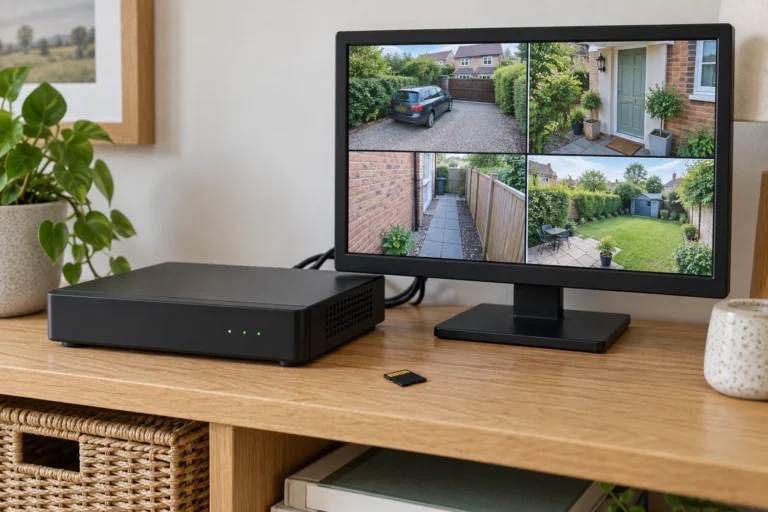
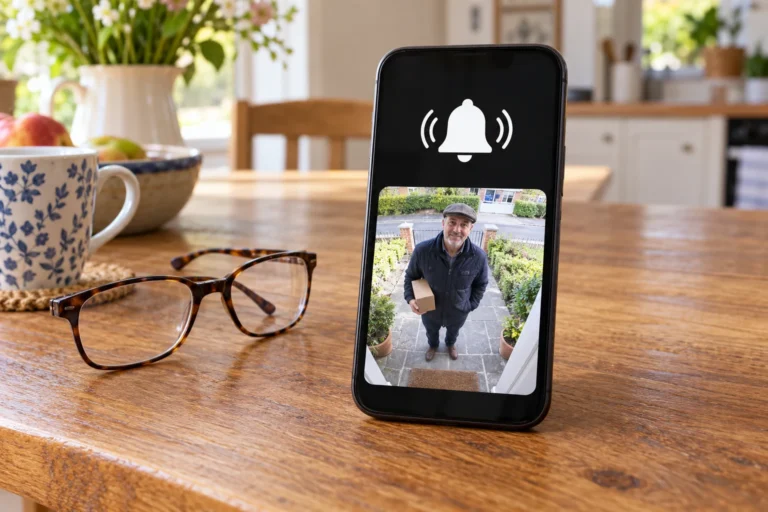
Begin with opening the agreed camera view. Then, where supported, practise responding to a visitor and finding a recording. A trusted person can stand at the entrance while you try the controls in a calm, familiar situation.
- Open the agreed camera view
- Practise with someone at the entrance
- Review supported notification options
Keep your own account
Use a strong, unique password and keep it private. Authorised relatives should use supported sharing options instead of the resident’s main login. Ask for help with permissions if a family member cannot see a camera they are meant to access.
Review notifications together
Agree which alerts are useful and check the phone permissions needed for them. Discuss who receives alerts and what they should do next. Notifications are useful prompts, but do not guarantee that someone will notice or respond immediately.
Know how to ask for help
If something is unclear, note the app name, equipment model if known and the task you are trying to complete. Describe any message you see without including private account details. Our Using the App and Troubleshooting guides offer a starting point.
Find the right next step
Explore our support guides, compare security packages or ask our team a question.