A home security camera installation handover is your opportunity to find out how the equipment fits into an ordinary day. Before the installer leaves, choose a few tasks you actually want to use and ask to practise them yourself. A working camera picture is only part of that conversation.
The person living at home should set the pace. If a relative is present, agree whether their role is to take notes, ask questions or help later. Leave the controls with the resident whenever they want to try them. There is no benefit in rushing through every menu just because it is available.
1. Choose three everyday tasks
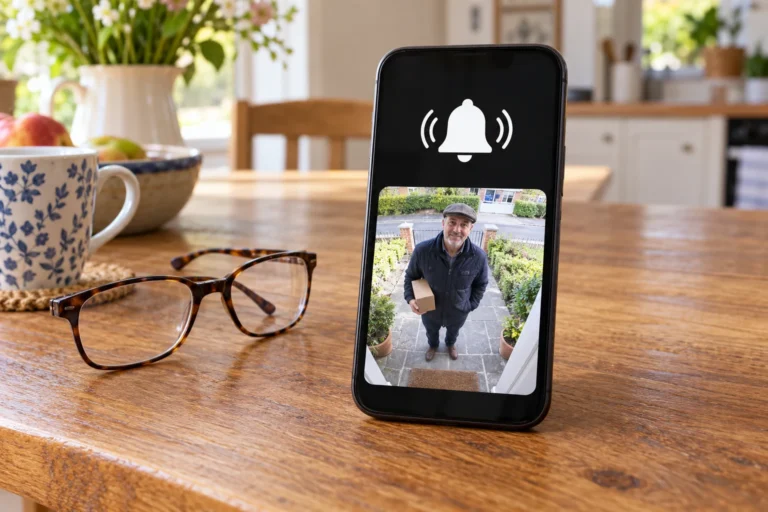
Start with the reason you chose the system. For a video doorbell, that might be noticing the ring, seeing the caller and ending the conversation. For a camera with recording, finding one recent event might be more useful. Only include features your installed equipment supports.
Write three short sentences beginning “I would like to be able to…”. Keep them specific enough to demonstrate:
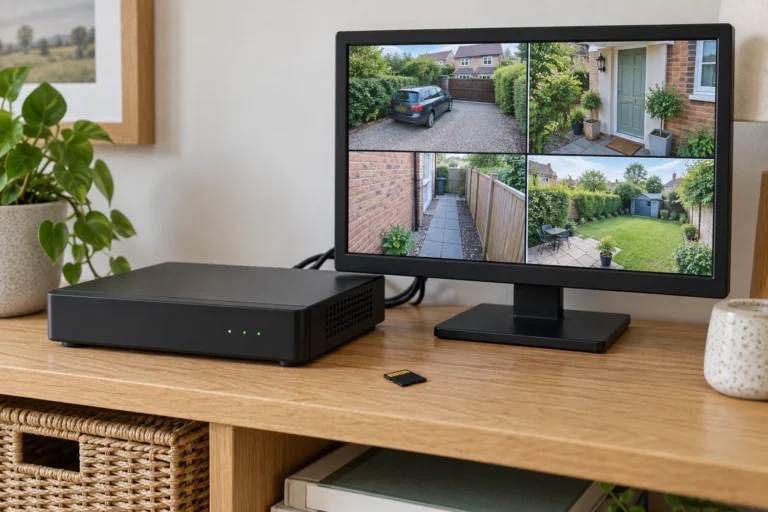
- See which entrance the picture shows and return to the starting screen.
- Answer a doorbell call and finish it, where two-way calling is included.
- Find a test recording from today, if recording is part of the arrangement.
Sound adjustments, notification choices or an indoor chime may also matter. Ask which are supported before adding them to the list. Our explanation of how the service works can help frame the wider installation discussion.
2. Watch once, then try at your own pace
Ask the installer to show one task slowly on the device you will normally use. Then return to the starting point and try it yourself. It is fine to ask them to explain a button again or say its name rather than point quickly across the screen.
Use your usual seat or comfortable standing position if practical. Check whether you can see the relevant information without someone else holding the phone at an unfamiliar angle. If a step feels awkward, describe that step precisely: “I can answer, but I lose the button for ending the call.”
A second demonstration should address that difficulty. It need not become a test of memory. You can stop and request written instructions or ask which simpler options are possible. Our guide to getting comfortable with the app offers a slower approach to everyday practice.
3. Keep a short reference sheet
Record the equipment models, the app name, installation date and where the proper instructions are kept. Add the agreed names of cameras if those labels will help you recognise the correct view. Make sure the sheet matches the equipment that was actually installed.
Note who has agreed access and the purpose of that access, without adding account passwords, recovery codes or other sign-in secrets. Ask who is responsible for checking software updates. The NCSC’s smart-camera guidance recommends keeping camera software updated and following the manufacturer’s instructions.
Keep the reference somewhere the resident chooses. A family member’s phone should not be the only place that useful operating instructions can be found.
4. Resolve questions before signing off
Before confirming completion of the agreed work, compare the installation with the written scope. Explain anything that remains unclear or does not behave as demonstrated. Record any outstanding item, who will address it and the next step agreed with the installer.
Ask how to request help, what support is included and whether further assistance could involve a charge. Do not assume an app alert means someone else is watching or will respond. Keep emergency arrangements separate from equipment support.
Ask Home Care Security what your installation handover includes and share the tasks you would like to practise. Call 0333 666 1983 or use the contact page to discuss your questions.