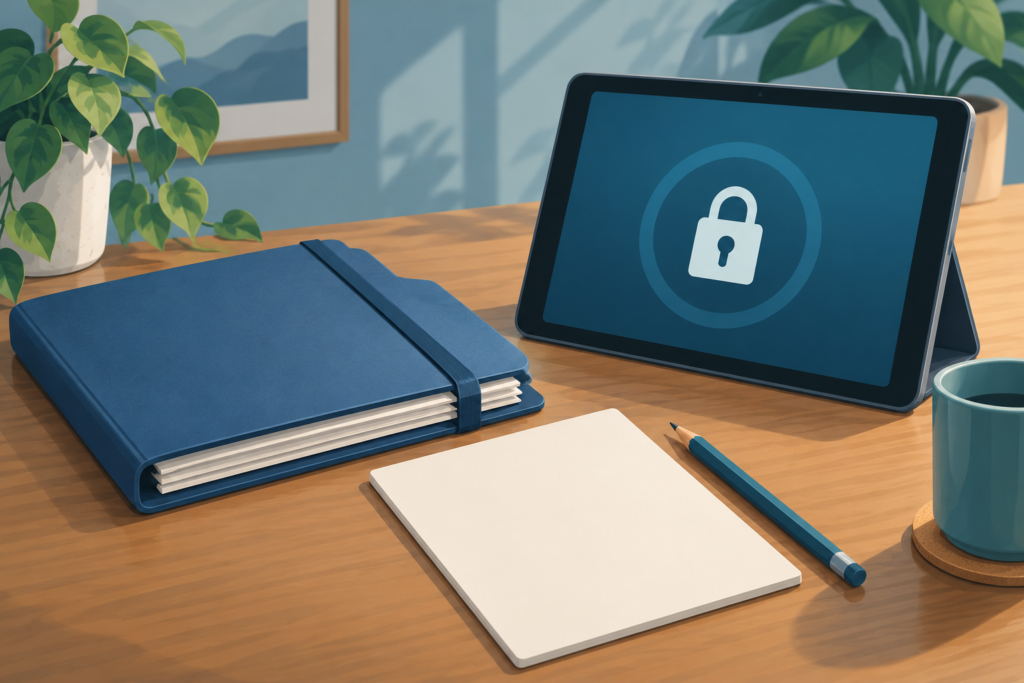
A small update record helps a household keep track of its security devices without relying on somebody remembering what happened months ago. It can be a page in the handover folder or a private digital note, whichever the resident finds easier to use.
The useful details are the equipment, the date checked, the action taken and who will follow up. Passwords, recovery codes and verification details belong outside this record.
1. Identify the equipment and a responsible person
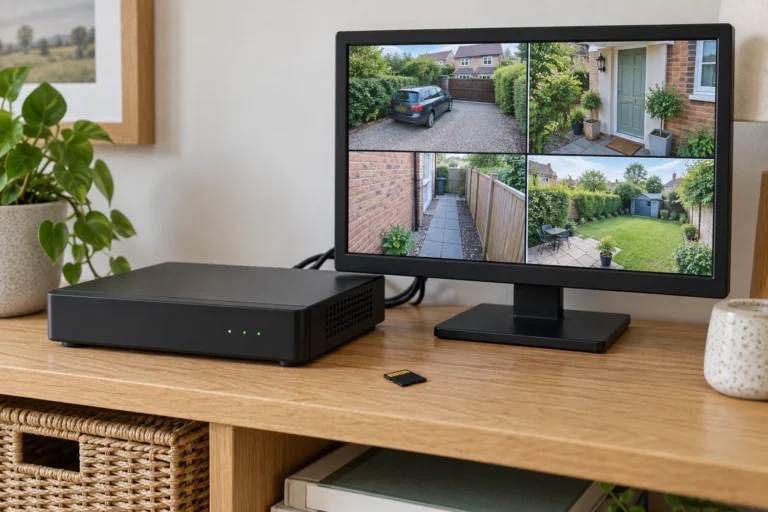
List the camera, doorbell, recorder and app used in the installation. Take model information from the paperwork or another safely accessible source. Record where the official manufacturer guidance can be found, together with a verified technical contact.
Agree who will check for update information. The resident may prefer to do it themselves, ask an authorised relative or discuss a service arrangement. Name somebody who has actually agreed, and clarify what they are comfortable doing.
Ask whether the proposed support arrangement includes update advice or assistance. Do not assume that buying equipment includes ongoing maintenance. Record any manufacturer support end date that can be confirmed for the exact model.
2. Record checks and actions separately
“Checked for an update” and “installed an update” are different entries. A useful log makes that distinction and leaves space for anything unresolved.
- Device or app and model: ______.
- Date official update information was checked: ______.
- Result: no update shown, update available or needs advice.
- Action taken and date: ______.
- Person responsible for the next step: ______.
Record a version number only if it is easy to find and useful for support. There is no need to collect every technical identifier. Avoid screenshots that expose account details or private camera views simply to prove an update was checked.
If you cannot tell whether an update applies to your model, ask before using it. Keep unresolved questions visible rather than marking the device as fully checked.
3. Follow official security guidance
The NCSC’s smart-camera guidance recommends secure passwords and keeping software updated. Use strong, unique account credentials and manufacturer-supported updates rather than files supplied through unfamiliar messages or websites.
Ask the installer which updates are automatic and which need attention on your setup. An updated phone app does not establish that every connected camera or recorder has also been updated. Have those parts explained separately.
The NCSC’s wider smart-device guidance also recommends checking manufacturer support information. If support has ended, discuss the implications and appropriate options rather than assuming that a device showing a picture is still receiving security fixes.
4. Try ordinary functions afterwards
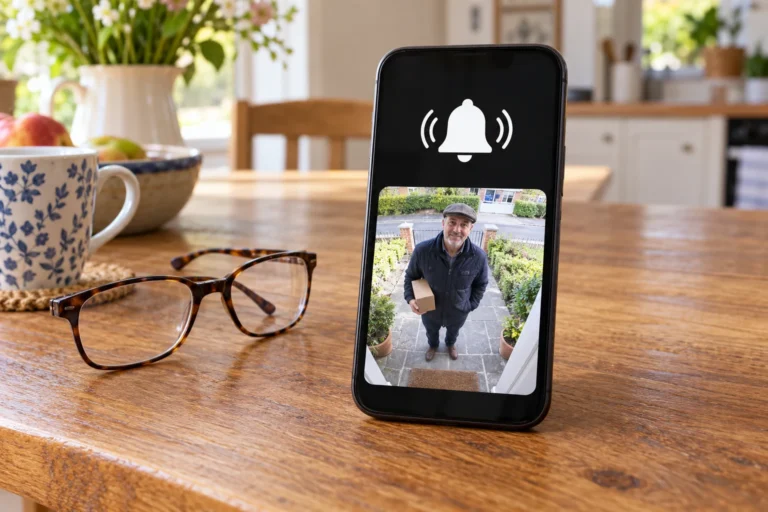
After an approved update has completed according to the manufacturer’s instructions, test the tasks the resident normally uses. These may include opening an agreed camera view, answering the doorbell or finding a recording, where supported.
Note any changed control label, missing function or unfamiliar message. If a printed prompt card no longer matches the screen, update it after confirming the new steps. Our guide to getting comfortable with the app can help you practise one task at a time.
Do not turn an uncertain update result into a series of resets. Give technical support the device, the action taken and what now happens. Keep secrets out of the enquiry.
Call Home Care Security on 0333 666 1983 to ask which ongoing checks and support arrangements apply to the equipment you are considering.