Know what an alert means
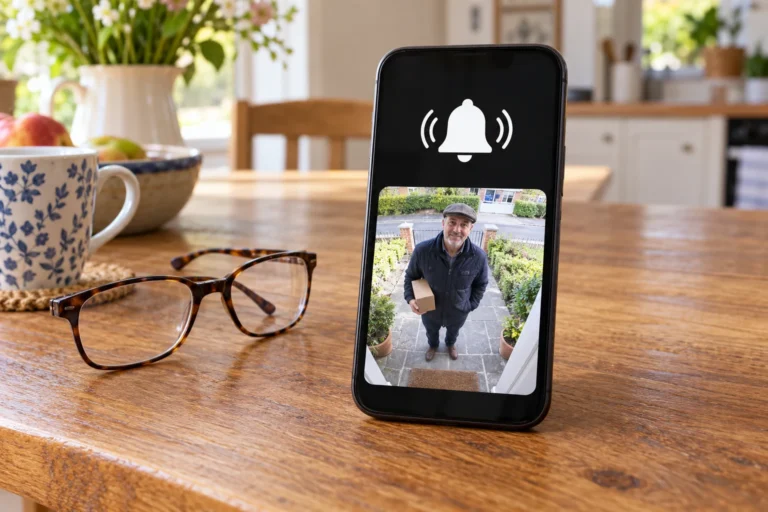
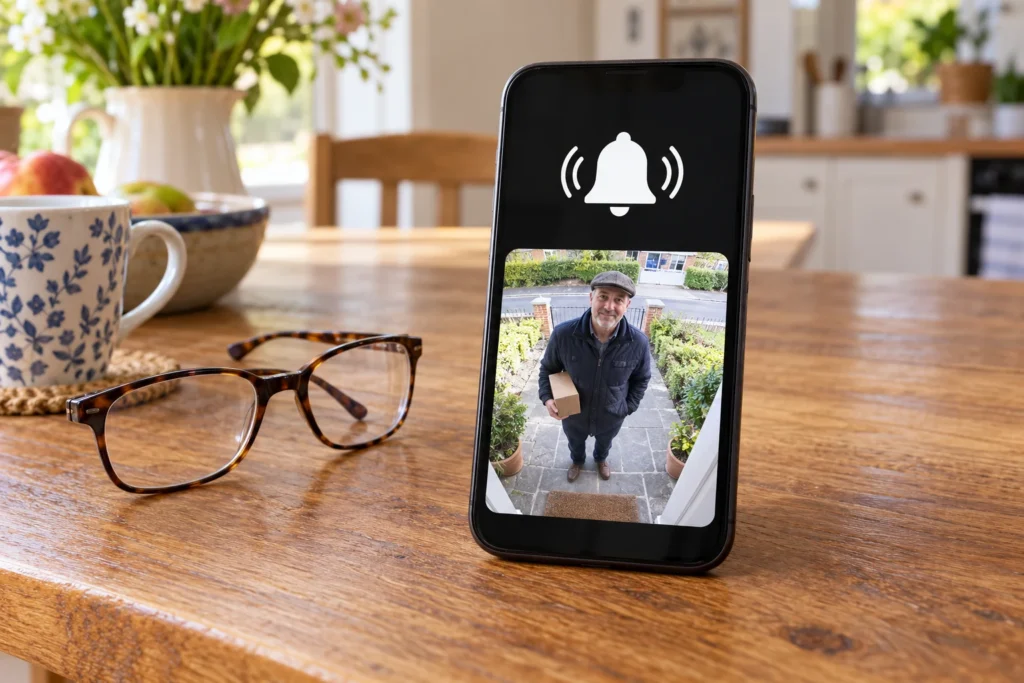
An alert tells you that your configured system has detected or received an event. What triggers it depends on the equipment and settings. Ask the installer to explain the notifications available on your setup rather than relying on assumptions.
Choose useful notifications
Discuss which events matter to the resident and which authorised relatives should receive them. Too many notifications can become difficult to follow. Use the controls explained at handover to adjust supported options to suit the household.
- Phone notification permissions
- Alerts enabled for the account
- Suitable phone and system connections
Check phone permissions
Your phone must allow the app to send the relevant notifications. The available settings depend on the phone and app version. Follow the guidance for your device, and ask support if alerts stop after a settings change or phone replacement.
Consider connectivity
Remote features depend on suitable connections. If notifications have stopped, check that your phone can access the internet and, if you are at the property, that home broadband is working. Avoid factory resets unless your installer instructs you to perform one.
Agree realistic expectations
Receiving an alert is not the same as someone responding to it. A relative may be busy or their device may be unavailable. Decide how the resident should ask for help directly and use the Troubleshooting guide if expected alerts are missing.
Find the right next step
Explore our support guides, compare security packages or ask our team a question.