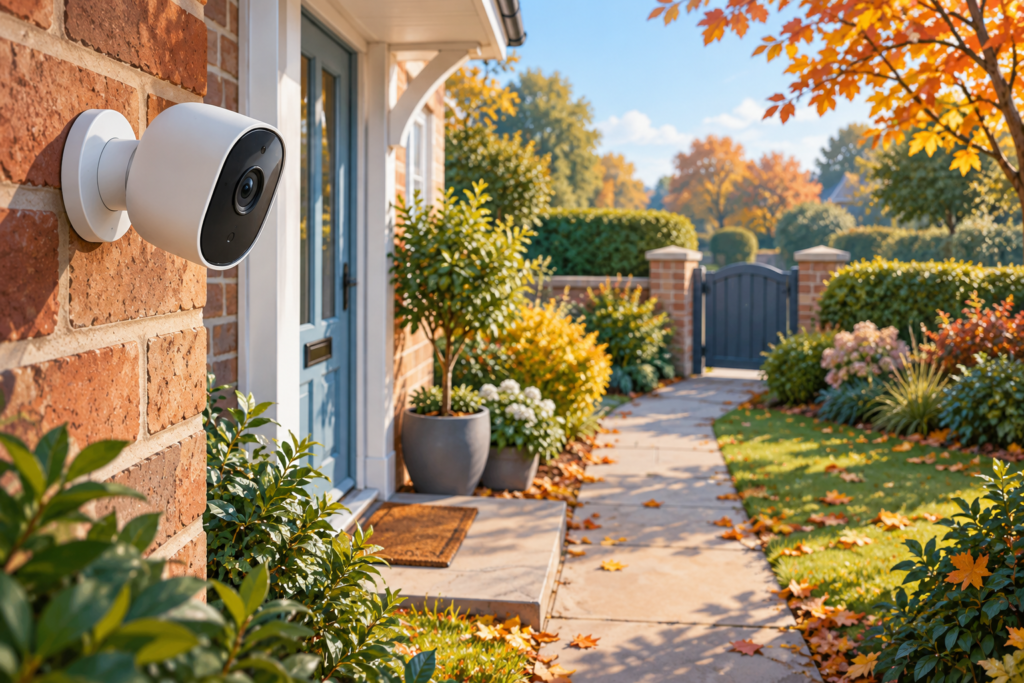
A video doorbell facing a shared entrance raises questions that a product description cannot answer. Before choosing equipment, work out which spaces are shared, who is responsible for the building and what a proposed camera would capture.
This checklist helps you prepare those conversations. It does not decide whether an installation is permitted under a particular tenancy, lease or other arrangement. Get advice about your own circumstances where responsibilities are unclear.
1. Sketch the doorway and neighbouring spaces
A simple drawing is enough. Mark your door, any communal entrance, neighbouring doors, the route to the stairs or lift and places where people normally pause. Avoid including private details about who lives where or when they come and go.
Write the purpose of the proposed camera beside the sketch. For example, you may want to see who is waiting directly outside your door. That purpose helps an installer explain whether a limited useful view is possible.
Consider what happens when doors open. A camera that normally faces a corridor might also see inside another home during an ordinary arrival. Add this as a question rather than guessing from the camera’s appearance. Our guide to planning camera coverage gives a broader starting point.
2. Ask the responsible building contact
Contact the relevant landlord, managing agent or other responsible person before arranging installation. Explain the intended location and ask what permission, building rules or professional checks are needed. Obtain the answer in a form you can keep with the proposal.
- Who can approve equipment on this door, frame or shared surface?
- Are there restrictions on drilling, cabling or using communal power?
- Could the work affect a fire door or another building requirement?
- Who should review the plan before an installation date is agreed?
Do not assume a neighbour’s agreement settles property permissions, or that building approval settles privacy obligations. Keep unanswered questions visible. An installer can discuss practical options once the relevant requirements are understood.
3. Discuss the view, audio and recordings
Ask the installer to explain the likely field of view using your sketch or an appropriate demonstration. Look for the smallest area that meets the stated purpose. Discuss whether the proposed equipment supports suitable privacy controls and what those controls actually affect.
Audio deserves its own question. Ask whether sound would be recorded, when that would happen and whether it is necessary for your intended use. Do not assume that being able to speak to a visitor means every audio feature needs to be enabled.
Also identify who would manage the account, access recordings and handle questions from other people. Ask how footage is stored and reviewed. Avoid setting an arbitrary retention period simply because a device can hold that amount of video.
4. Check the current privacy guidance
The ICO’s home CCTV guidance explains that data protection law applies when a home camera captures another property, a public area or a communal space. The ICO currently marks this guidance as under review, so consult the live page before making decisions.
Record questions you cannot yet answer: why the view is needed, how unnecessary capture can be reduced, how people will be informed and who will respond to footage requests. A privacy mask should not be treated as proof that every responsibility has been addressed.
Once permissions and responsibilities are understood, use our pre-installation questions to prepare the equipment discussion. Call Home Care Security on 0333 666 1983 to discuss the entrance layout and suitable next steps.