If a security camera timestamp is wrong after a clock change, finding the right event can become confusing. A small, agreed test can show whether the time displayed by your equipment matches the time you expect before you need a recording for something important.
GOV.UK confirms that UK clocks go back on 25 October 2026, returning to Greenwich Mean Time. Systems may handle seasonal changes differently. Check what yours actually displays rather than assuming every camera, recorder, app and phone will make the same adjustment.
1. Create one ordinary event at a known time
Ask the resident whether they would like to do a brief test. Choose a quiet moment and use a reliable clock showing the correct local time. Note the date as well as the hour and minute, particularly if you are reviewing an event from around midnight.
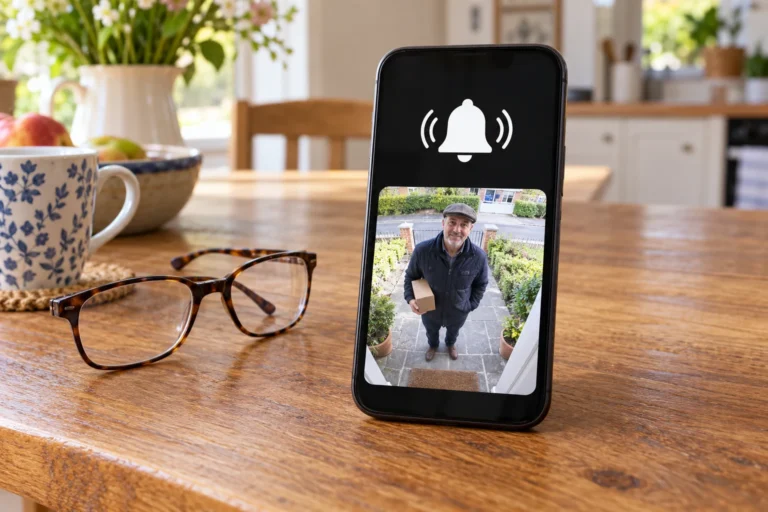
A helper could approach the entrance or ring the doorbell once, if those actions relate to features your system uses. Keep the test within your own ordinary access arrangements and avoid involving neighbours or passers-by unnecessarily. No unusual activity or security setting change is needed.
Write a plain description: “Test doorbell ring, 26 October, 14:10 local time.” That gives you a clear event to find later. Do not use a genuine incident as a reason to experiment with equipment settings or alter existing recordings.
2. Compare the places where time appears
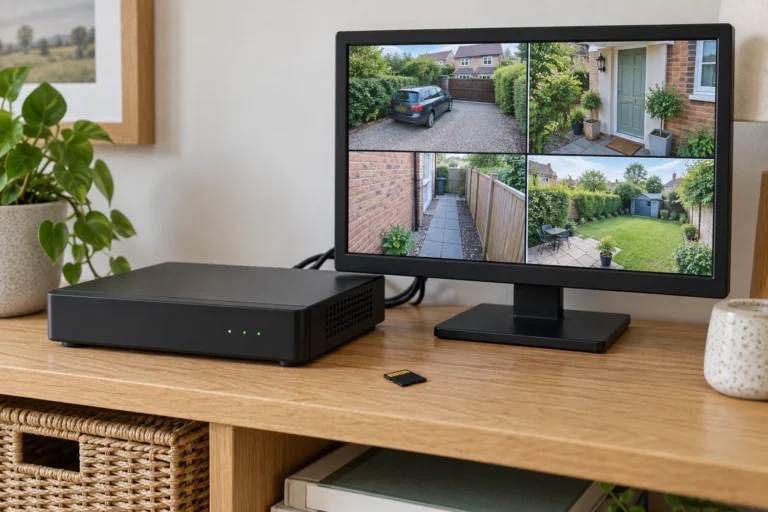
Look for the test in the functions available on your equipment. Depending on the system, you may see time overlaid on the live image, alongside a notification or in a recording list. Some systems show several different time labels, so note exactly which one you mean.
- Actual test time from the reliable clock.
- Time written on the camera image, if displayed.
- Time shown against the recorded event, if recording is available.
- Notification time and when the notification arrived, if relevant.
A message arriving late is different from a recording labelled with the wrong time. Capture both observations without deciding the cause. Likewise, finding a thumbnail does not confirm that the expected recording is available; check the ordinary playback function if your arrangement supports it.
3. Note the difference before changing anything
Record the result in simple language: “The test was at 14:10, but the recording list shows 15:10.” Include whether the live picture and recording agree with each other. A consistent one-hour difference is useful information, but it is not enough on its own to identify the correct remedy.
Check the current manual for the exact camera or recorder and its time-zone or seasonal-time guidance. If more than one device is involved, ask which component controls the displayed time. Avoid changing the phone’s clock, resetting equipment or applying a setting found for a different model as a shortcut.
Our introduction to recordings and storage can help you describe which part of the system you are checking. Write down any approved adjustment so a later helper can understand what changed.
4. Ask for help and preserve relevant footage
If the times remain inconsistent, prepare the model details, test description and observed differences for support. Ask what a corrected system should display, then repeat one fresh test after any supported change. Check the date and the time together.
If footage relates to an incident, keep the original unchanged. Note the suspected time difference separately and explain it when using the appropriate reporting route. Do not edit the original timestamp to make it look correct or delete material while investigating the clock issue.
Check one recent test event and ask for model-specific help if your camera times do not match. Call Home Care Security on 0333 666 1983 or use the contact page with the details you have recorded.