Live viewing and recording are different
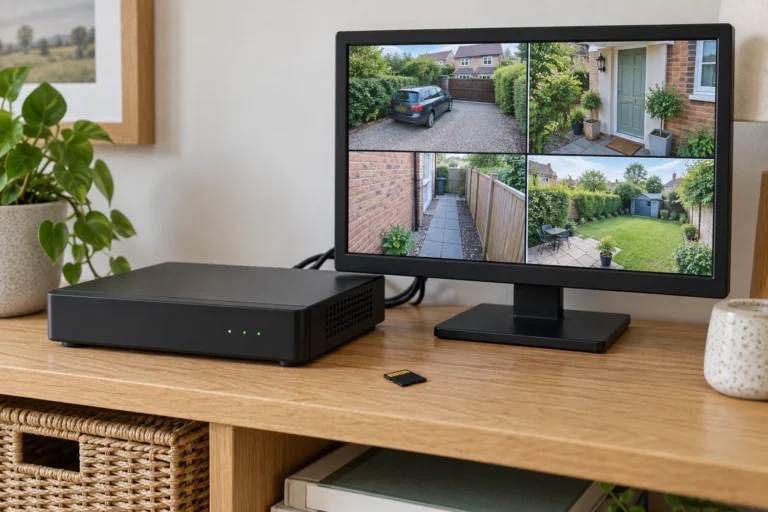
Being able to see a live camera does not necessarily mean footage is being saved. Recording depends on the chosen equipment, storage and configuration. Ask the installer to confirm what has been set up for your home.
| Live viewing | Recording |
|---|---|
| See what is happening now | Review footage saved by your system |
| Requires an available camera connection | Requires configured storage and recording settings |
Confirm the recording arrangement
Your quotation and handover should explain the proposed storage option and how recording works. Ask whether there are schedules or other settings that affect what is saved. Any storage or subscription charges should be clear before you choose.
- What is recorded?
- Where is it stored?
- Are there ongoing charges?
Ask how long footage is retained
There is no single recording duration for every installation. Equipment, capacity and settings affect retention. Ask what arrangement has been configured and how you can check it, rather than assuming that an older event will always be available.
Ask at handover: How can I check my recording settings?
Practise finding an event
During handover, ask to be shown how to select the correct camera, date and time. Follow the instructions for your system. If a recording appears to be missing, check those details before asking the support team to investigate.
- Choose the camera
- Check the date and time
- Follow your system’s playback guidance
Agree who can access recordings
Discuss recording access with the resident and use the supported account permissions. Keep private footage out of general enquiries. When requesting help, explain the issue and time involved without sending recordings unless an appropriate method has been agreed.
Keep private footage, passwords and verification codes out of general enquiries.
Find the right next step
Explore our support guides, compare security packages or ask our team a question.