Check the phone connection
Confirm that the phone can access the internet. Note whether the issue affects one device or everyone who normally views the system. This information helps you describe the problem accurately when requesting support.
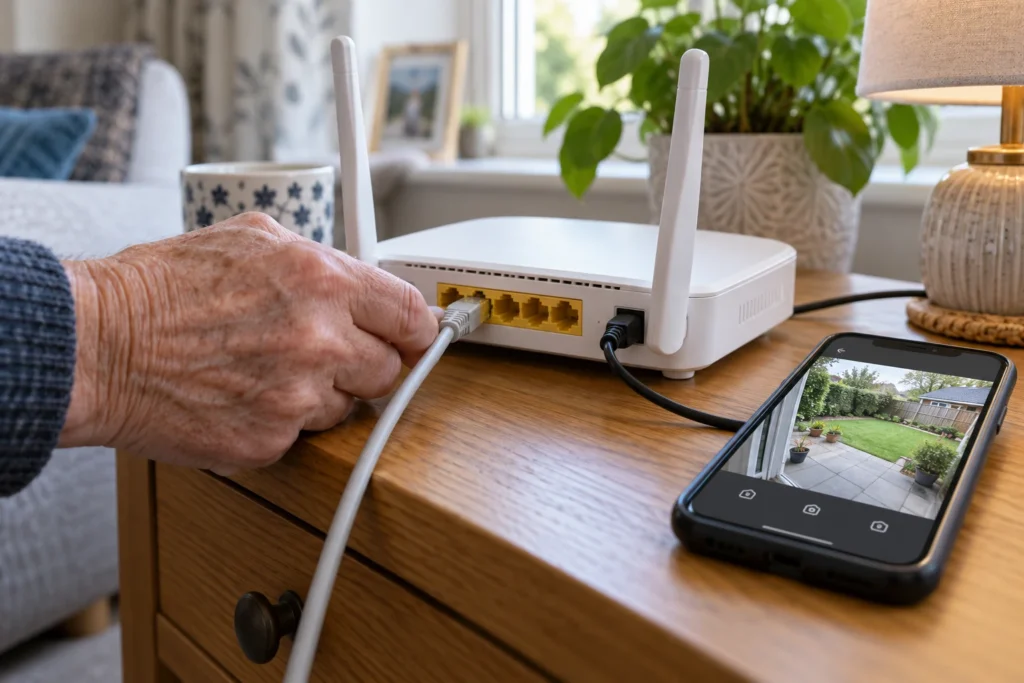
Check the home connection where possible
If you are at the property, check whether home broadband is working. Remote features may be affected when the system cannot connect. Follow the handover guidance rather than changing unfamiliar camera or recorder settings.
- Can the phone access the internet?
- Is home broadband working?
- Is the correct authorised account signed in?
Check the account being used
A family member should be signed into the account that has authorised access. The resident or account owner may need to review sharing permissions. Do not try to resolve an access problem by circulating the main account password.
Avoid unnecessary resets
A factory reset can remove settings needed for your installation. Only perform one when instructed by your installer. Do not open powered equipment or attempt electrical repairs if a device appears damaged.
Tell support what changed
Describe when the issue started, which function is affected and which checks you have tried. Mention a phone change or other relevant change if you know of one. Include the model and app name where possible, but never send passwords or verification codes.
Find the right next step
Explore our support guides, compare security packages or ask our team a question.