You can often make a useful camera maintenance observation without touching the camera. A changed picture, an obstruction visible from the ground or a note about when a problem began can help an installer decide what needs checking.
Keep the task within what feels safe and comfortable for the resident. Leave work at height, wiring, dismantling and unfamiliar cleaning methods to suitable help. A routine check should not become an improvised repair.
1. Compare the picture with a previous clear view
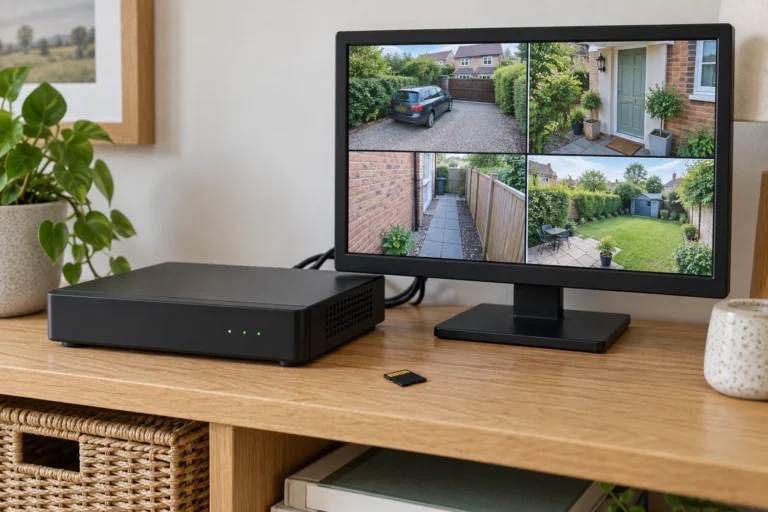
Open the usual authorised camera view. If you already have an appropriate previous image or recording, compare the same area under reasonably similar conditions. You do not need to create a collection of private footage just for maintenance.
Describe the difference. Is the whole image soft, is one area obscured, or does a bright patch appear only after dark? Have an object or seasonal plants entered the view? Note the time and weather rather than deciding immediately that the lens is dirty.
A frozen or unavailable picture may involve a different issue from a visible mark. Our remote-viewing checks can help you describe a connection problem separately.
2. Look from a safe ground-level position
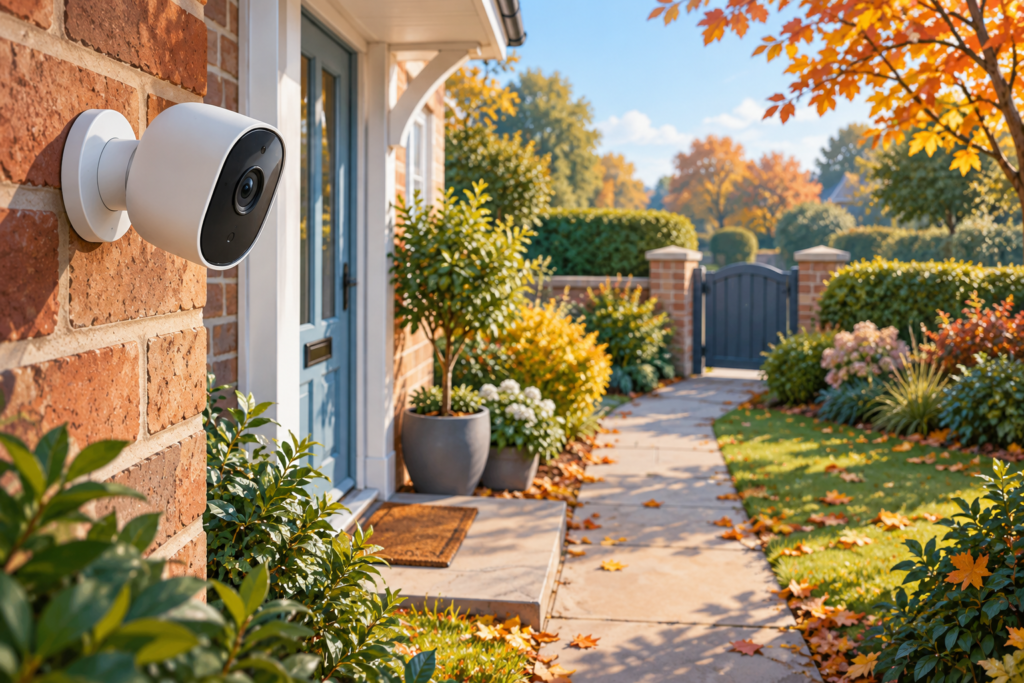
If the camera is visible from a safe place, look for obvious changes around it. A branch may have grown into the view, a cobweb may be visible or another object may now sit close to the camera. Record only what you can actually see.
Stay on a stable surface and avoid reaching over steps, leaning from windows or standing on garden furniture. Do not climb to inspect a small mark or handle a cable to see whether it is loose.
Check whether the surrounding area has changed since installation. A new hanging basket, seasonal decoration or building work may be relevant. Ask before moving somebody else’s property or cutting vegetation in a shared area.
- Visible change near the camera: ______.
- When first noticed: ______.
- Does it appear at particular times or in particular weather? ______.
- Can it be described without touching equipment? ______.
3. Check the exact care instructions
Cleaning advice needs to match the model and its installation. Find the manufacturer instructions through the handover paperwork or ask the installer for the correct guidance. Do not assume that a household glass cleaner, pressure spray or abrasive cloth is suitable.
Even a method allowed by the manufacturer may be unsuitable if reaching the equipment is difficult. Ask who can carry out the work safely and whether any preparation is required. Do not open the housing or interfere with the power supply as part of cleaning.
If you notice apparent damage, avoid touching the equipment and contact suitable support. A photograph taken safely from the ground may help describe the position, but do not include unnecessary private details.
4. Send a clear maintenance question
Combine the observations into a brief description: which camera, what has changed, when it began and what you have safely checked. Include the model if it is already known. Keep passwords and private camera footage out of the initial enquiry.
Ask what maintenance is appropriate, who should do it and whether there is a charge. Clarify whether an attendance, cleaning or replacement falls within any support arrangement before assuming it is included.
After suitable work, review the picture again from the resident’s normal viewing device. Check that the useful view and agreed privacy boundaries have been preserved. Keep a short note of what was done and any further advice.
Call Home Care Security on 0333 666 1983 to ask which checks are suitable for your camera before arranging maintenance help.