Before choosing a video doorbell, ask what will happen inside the home when somebody presses it. A phone notification may be only part of the proposed arrangement, and it may not suit every moment of the resident’s day.
The useful question is specific: “What will I hear or see from the rooms I normally use?” Get the answer for the exact equipment and accessories in the quotation, rather than assuming that every video doorbell comes with an indoor chime or screen.
1. Describe a normal day at home
Think about where the resident spends time and where their phone usually is. It may be charging in a bedroom while they sit elsewhere, or put away while they read or watch television. Ask how they would prefer to notice a caller in those situations.
Write down two or three examples. These do not need to include private routines or precise times. “I want to notice the bell while sitting in the kitchen” is enough to start the discussion.
Let the resident describe the sound or display they find comfortable. A relative’s preference for a particular phone alert should not decide what will be used in someone else’s home.
2. Confirm the compatible indoor options
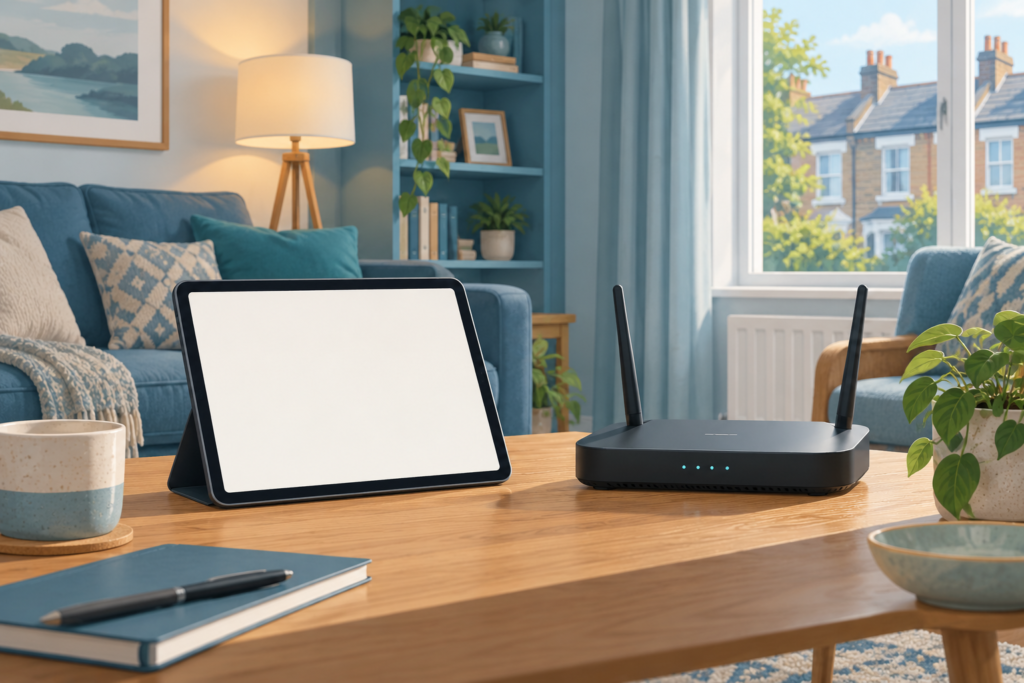
Ask whether the proposal includes a compatible chime, indoor display or another supported notification device. For each option, request the model, its purpose and whether it is included in the quoted price.
- What signals that someone has pressed the bell?
- Which indoor devices receive that signal?
- Can I see or speak to the visitor from them, if I want to?
- Which functions still require a phone?
- Are any extra accessories or ongoing services needed?
Separate “available” from “included”. An accessory listed in a manufacturer’s range may not be compatible with the chosen doorbell or part of the proposed installation. Our doorbell and camera guide covers the broader equipment comparison.
3. Test from the rooms you use
Ask how the intended arrangement can be demonstrated. At home, use the normal seating position and ordinary household conditions. If a demonstration takes place elsewhere, note what remains to be tested after installation.
Check one receiving device at a time. Can the resident notice the signal comfortably? Can they distinguish it from other everyday sounds? If a display is involved, is it easy to see and reach from the intended position?
Discuss adjustable sound or display features only where supported. More volume may not be the person’s preferred answer, and a second device may add complexity. Ask what alternatives actually fit the equipment, property and resident’s wishes.
Record the result as a practical observation: “I noticed the kitchen chime with the door closed” is clearer than “audible everywhere”. A short test cannot establish every future condition.
4. Understand power and connection requirements
Ask what each proposed indoor device needs to operate. Does it require a suitable power point, batteries, a network connection or another connection to the system? Have the installer explain where it can be placed and what happens if a required connection is unavailable.
Do not reuse an existing chime or power supply without confirmation that it is appropriate. Electrical work and changes to fixed equipment need suitable help. Keep any cable route out of the way of normal movement and access.
Before agreeing the installation, add unanswered points to your pre-installation questions. The written proposal should describe the chosen arrangement and any exclusions.
Call Home Care Security on 0333 666 1983 to ask which indoor notification options are compatible with, and included in, your proposal.