A planned broadband change is a useful time to check how your security equipment connects. Replacing a router may affect a doorbell, recorder or remote-viewing app differently. A short list made before changeover helps you ask precise questions and arrange a sensible test afterwards.
Involve the resident in the timing and explain any expected interruption. Keep the existing equipment information and handover instructions together, without putting passwords or account recovery details into a shared checklist.
1. Identify the equipment and its connections
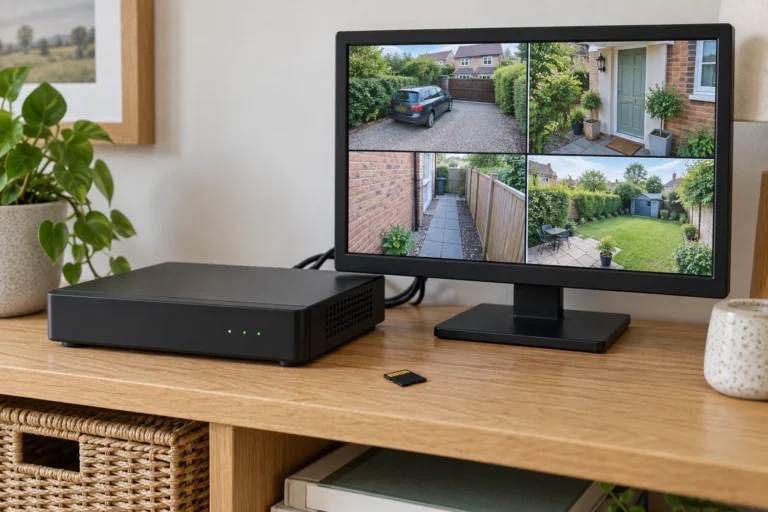
List the doorbell, cameras, recorder and viewing devices you actually use. Record model names from the paperwork or an easily accessible label. There is no need to move equipment, climb or open a casing to obtain a number.
Beside each item, note the connection if you already know it: wired, wireless or “ask installer”. A camera may connect through a recorder rather than directly to the router. The app on a phone is another part of the arrangement, so note its name too.
- Equipment and model: ______.
- Known connection, or question to ask: ______.
- Normal viewing device and app: ______.
- Installer or technical contact: ______.
Use “unknown” freely. Guessing how something is connected can lead to the wrong instructions and unnecessary changes.
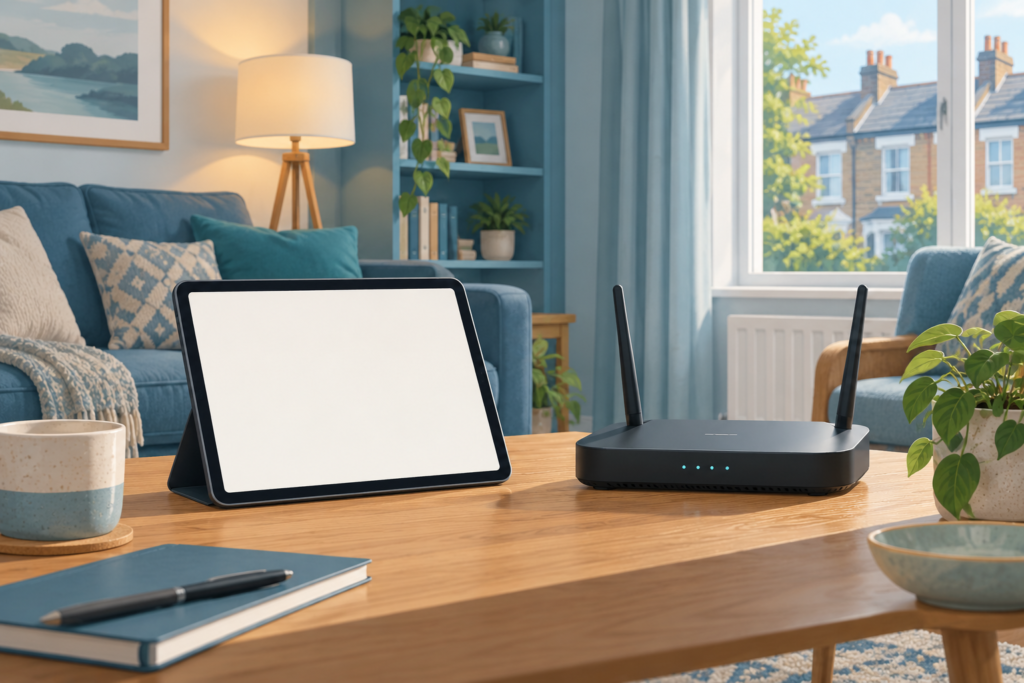
2. Ask what the new router will change
Tell the installer whether you are changing broadband provider, router, Wi-Fi name or several things together. Ask which parts of your exact installation may need attention and who should carry out that work. Check whether a support visit or remote assistance would involve a charge.
Official Hik-Connect connection guidance describes different methods for different device types. A wireless doorbell and a wired recorder should not be assumed to need the same procedure. Use instructions matched to your model and installation.
Ask what to do if the planned method does not work. Avoid a factory reset, account transfer or unfamiliar router security change as a speculative fix. These can affect an otherwise correctly configured system.
3. Choose a manageable changeover time
Where possible, choose a time when the resident is comfortable with the interruption and the relevant support contact is available. Broadband activation times may depend on the provider, so discuss what can and cannot be controlled.
Agree how relatives will make ordinary contact while remote viewing is unavailable. If your usual contact method also depends on the home broadband connection, discuss an appropriate alternative beforehand. Do not assume that a missing camera connection says anything about how the resident is doing.
Keep a paper note of the agreed work and support number. Ask before giving anyone access to the home or the resident’s account, even if they are helping with the broadband change.
4. Test the functions you use afterwards
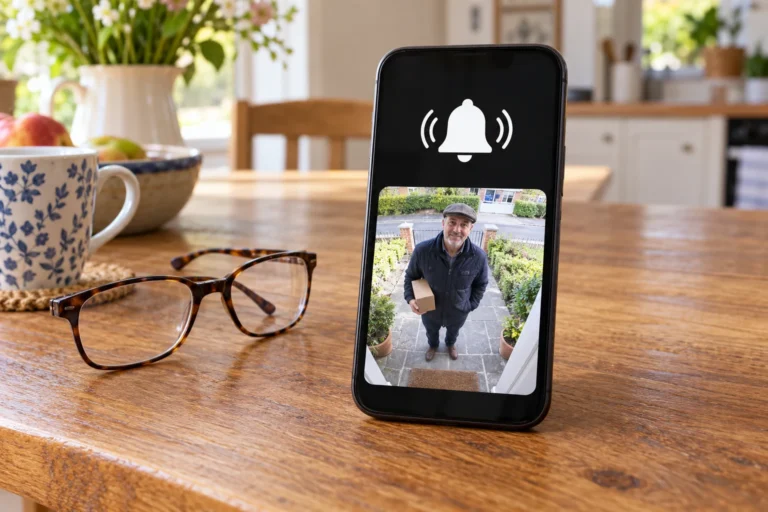
Once the connection work is complete, check each agreed function separately. If supported, try local viewing, remote viewing from outside the home Wi-Fi and a planned doorbell call or notification. Use the usual authorised accounts rather than sharing the owner’s login.
Write the result next to each task: working, not tested or needs help. If recording forms part of the installation, ask how to confirm it has continued or resumed as expected. A live picture alone does not establish that footage is being saved.
Our remote-viewing checks can help you describe a problem. Keep the test record so that support knows what changed and what you have tried.
Before changing your connected setup, call Home Care Security on 0333 666 1983 with the device model and planned broadband change.