Give yourself time
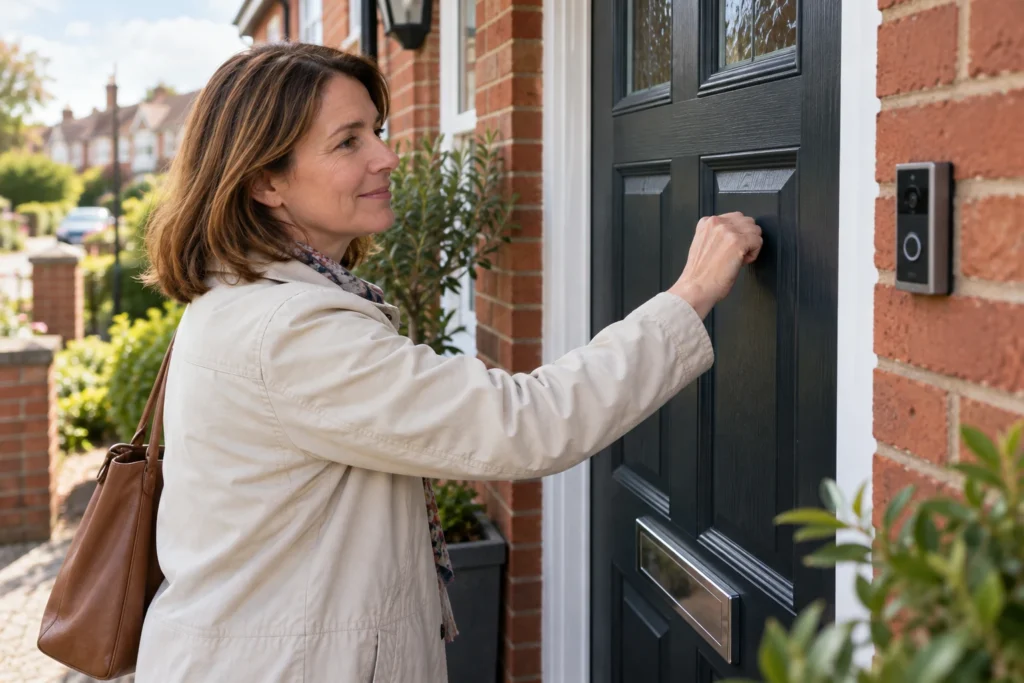
An unexpected knock does not require an immediate answer. If your system allows it, check the camera view before deciding what to do. The aim is to give the resident more information and time, without pressure to open the door.
Practise with someone you know
Ask a trusted person to stand at the entrance while you practise viewing the camera. Check whether you can see the visitor clearly. If two-way audio is included, try a short conversation so you understand the controls and sound quality.
- Can I see the visitor clearly?
- Does my setup support two-way audio?
- How will I contact a relative if needed?
Understand what the equipment can do
A camera, video doorbell and intercom may offer different features. Confirm whether your setup supports live viewing, audio, visitor alerts and recordings. A familiar button on somebody else’s phone may not work in the same way on your system.
Agree how relatives can help
Where supported, the resident can authorise a relative to view the camera. Discuss when they might check an alert and how they should contact the resident. Avoid assuming that an alert will always be received or noticed immediately.
Keep expectations realistic
A camera cannot prevent every unwanted visit or guarantee that you can identify a caller. If someone claims to represent an organisation and you are unsure, take time to check through a contact method you already trust. You can choose not to open the door.
Find the right next step
Explore our support guides, compare security packages or ask our team a question.