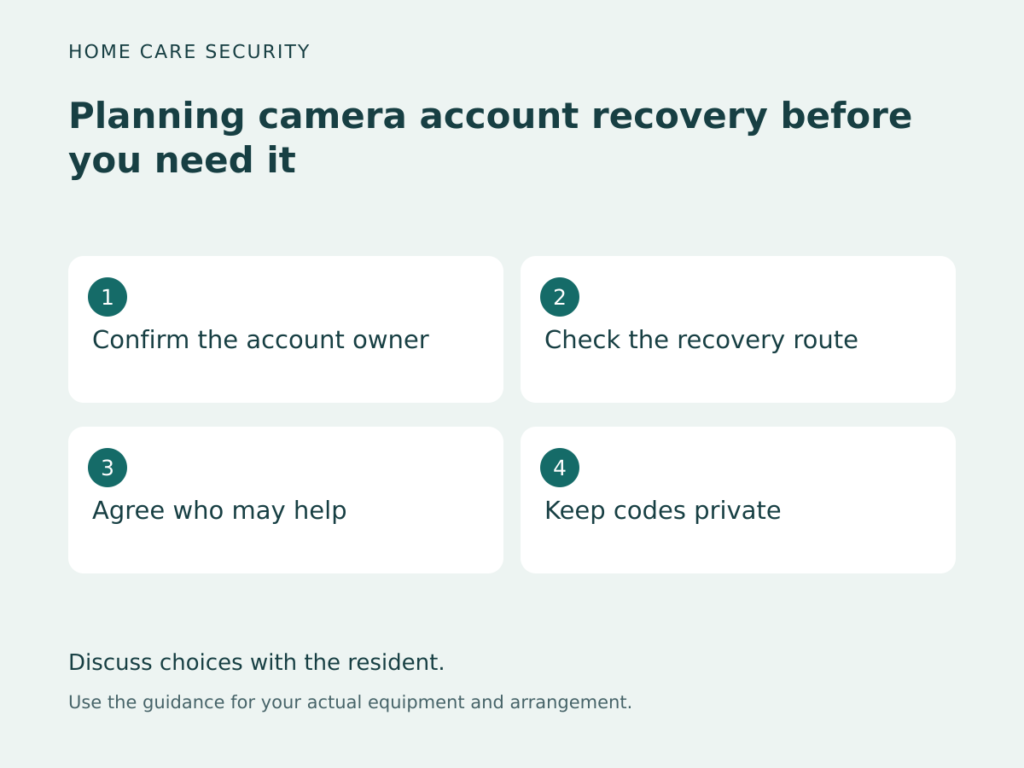
A camera account recovery plan should tell you who owns the account, which official recovery route applies and where to ask for help. It should not be a shared list of passwords. A few questions now can make a future sign-in problem easier to explain without giving more people access to the home.
Work through the plan with the resident and anyone they want involved. This is preparation, not an instruction to change a working account or test recovery by deliberately locking yourself out.
Know which account you are discussing
Start with the app name and the account used for everyday viewing. A relative's shared access may be different from the account that owns or manages the devices. There can also be separate credentials for physical equipment. Ask the installer to explain the arrangement if the paperwork does not make it clear.
Write down the role rather than recording a password: “resident's viewing account” or “relative's agreed shared account”, for example. Do not assume that recovering one login will recover every other credential or permission.
Our guidance on family camera access explains why agreed access should remain separate from a general family entitlement to sign in.
Check the recovery contact without changing it unnecessarily
Find out which email address or phone number is registered for recovery, using the account's supported information view or the provider's guidance. Keep the exact details private. The useful question is whether the account owner still controls that contact method and can use it when needed.
Hik-Connect's published recovery instructions describe sending a verification code to the registered phone number or email address. A household using that process therefore needs to consider access to that registered contact, not just whether somebody remembers the app password. Menus and available methods can vary, so use the current instructions for your version.
If the contact belongs to a former installer, an old workplace or a relative who no longer helps, do not try to take over the account. Ask the legitimate provider how ownership and any requested change must be verified. Leave the issue open until the supported process is clear.
Agree what a helper may do
The resident may want someone to read instructions aloud, arrange a support appointment or sit alongside them. None of those roles automatically requires access to camera views or knowledge of the password. Agree the smallest practical role that meets the person's wishes.
A helper can prepare non-sensitive information: app name, approximate installation date, model details from paperwork and a description of the problem. The account owner should handle private verification through the official process. Do not send recovery codes in ordinary enquiries or forward them to an unsolicited caller.
Make a short recovery information card
Keep this with the installation paperwork in a place chosen by the resident:
App and equipment: the names used in the installation records.
Account owner: the person responsible for the account, not their password.
Recovery route: where to find the official instructions.
Registered contact: a note that the owner has checked access; keep full personal details separately if needed.
Agreed helper: who may assist and what they may do.
Support: a verified contact route and any unresolved question.
For example, “owner can access registered email; daughter may help read instructions; no shared password” describes an arrangement without exposing the credentials. It is an illustration, not a recommendation that every household needs the same helper.
Review the plan after a relevant change
Revisit the card when a phone number, email address, viewing device or agreed helper changes. Confirm the supported process before altering account information. Avoid making several changes at once merely to tidy the record.
The NCSC recommends secure camera passwords, supported software updates and using the manufacturer's instructions for the particular model. Keep those normal security arrangements separate from the recovery card. Do not put a password into a shared family document to make recovery seem easier.
Unsure how your account is arranged? Ask Home Care Security what support is available for your installation. Explain the account question without including passwords, verification codes or private recordings. Our support section is another place to start.
Sources
Hik-Connect account password recovery guidance and NCSC smart camera security guidance. Checked 30 October 2026. Exact recovery methods require confirmation for the account and app version.