
Using the App
Get to know viewing, recordings and family access.
View App Guidance →Clear, practical support for using your system, connecting family and solving everyday problems.
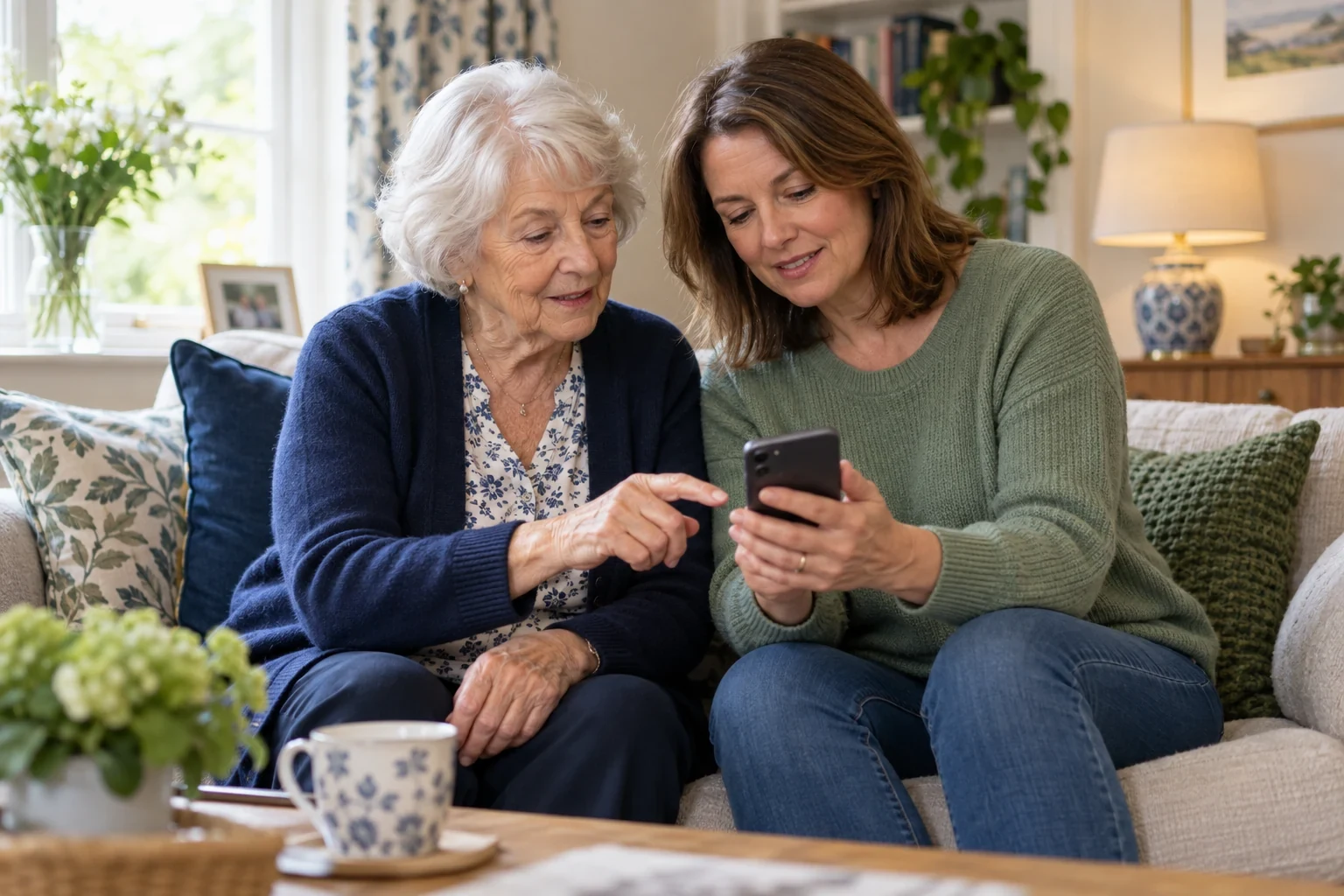
Get to know viewing, recordings and family access.
View App Guidance →Simple checks for viewing, alerts and connection issues.
Find a Solution →Answers about your equipment and support options.
Browse FAQs →Check that your phone can connect to the internet. If you are at the property, check whether the home broadband is working. Confirm that you are signed into the correct account. Avoid factory-resetting cameras or recorders unless your installer has instructed you to do so.
More troubleshooting guidance →Check the phone’s notification permissions and the alert settings for your account. Power-saving settings and connectivity may affect notifications. Available controls vary by equipment and app version.
More troubleshooting guidance →Confirm that they are signed into their own authorised account and that the account owner has granted the appropriate access. Review sharing permissions with the resident’s agreement. Do not share passwords to work around an access problem.
More troubleshooting guidance →Check the camera, date and time selected. Recordings depend on storage, recording schedules and system settings; live viewing does not always mean footage is being recorded. Contact support if you are unsure how your system is configured.
More troubleshooting guidance →A few details help us understand the problem.
Let us know the make or model and which app you use.
A clear description helps us narrow down the issue.
Tell us any simple checks you’ve already tried.
Please don’t send passwords, verification codes or private camera footage.
Website enquiries are not an emergency channel. Home Care Security does not provide a staffed emergency response service.
A clear explanation is a good place to start.